
Add Calendar(s)

(Video Loading)
Steps
1. Open Google Calendar (link)
2. On the bottom left side menu, scroll down to "Other calendars"
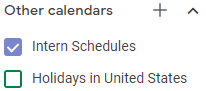
3. Select the "plus" icon 
4. Select "browse resources" 
5. Locate the desired calendar(s) and check the box(es) 
6. Select the "back" arrow icon  to return to your calendar
Book the Resource
(Video Loading)
Steps
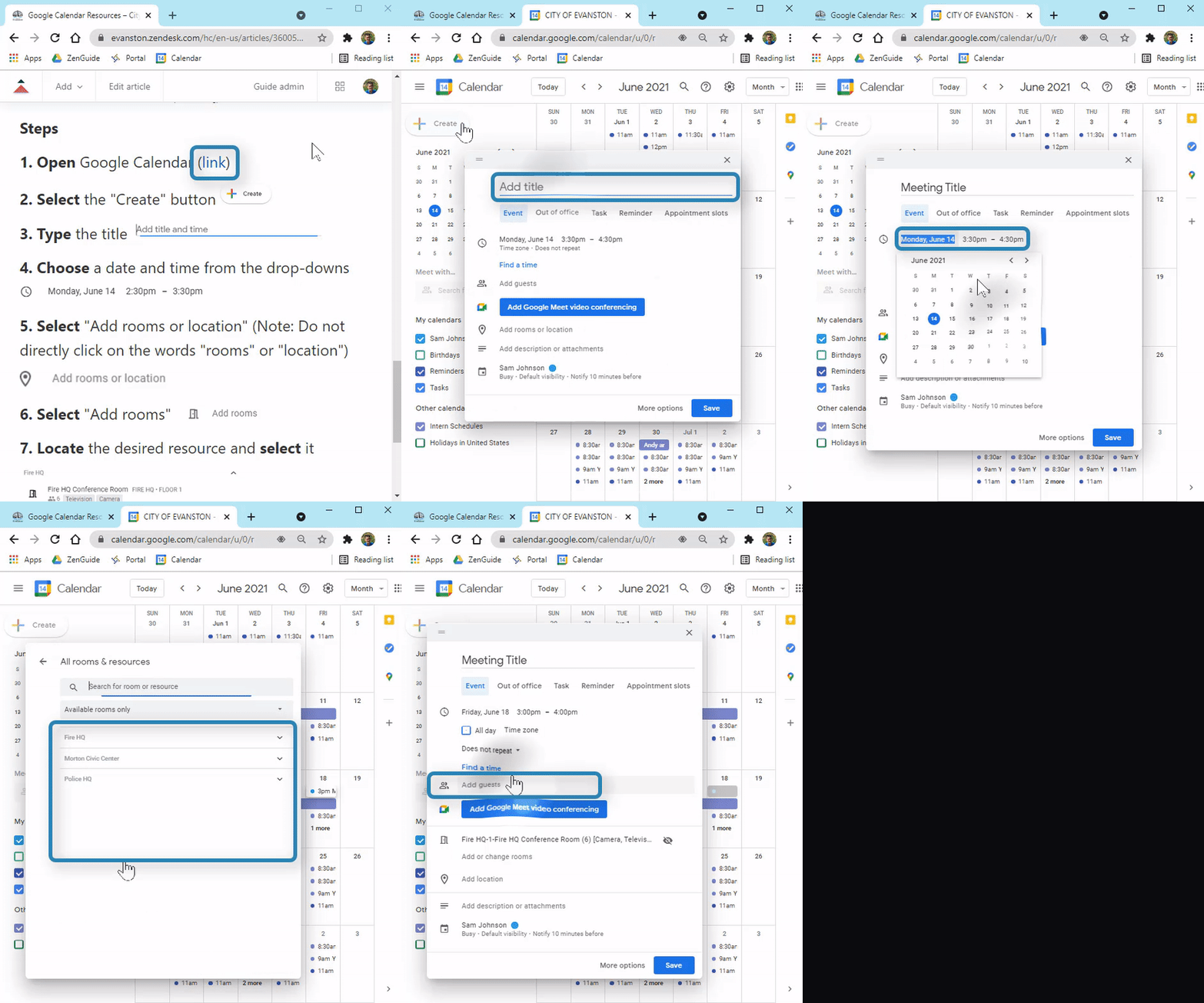
1. Open Google Calendar (link)
2. Select the "Create" button 
3. Type the title 
4. Choose a date and time from the drop-downs 
5. Select "Add rooms or location" (Note: Do not directly click on the words "rooms" or "location")

6. Select "Add rooms" 
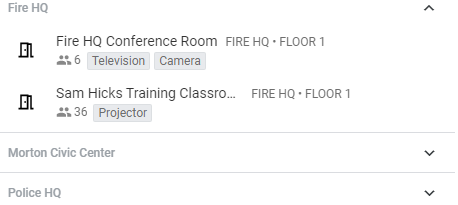
7. Locate the desired resource and select it
8. Select the "back" arrow icon
9. OPTIONAL: To invite others, select "Add others" and type their email 
10. Select "Save" 