How to Sign into Google Drive File Stream
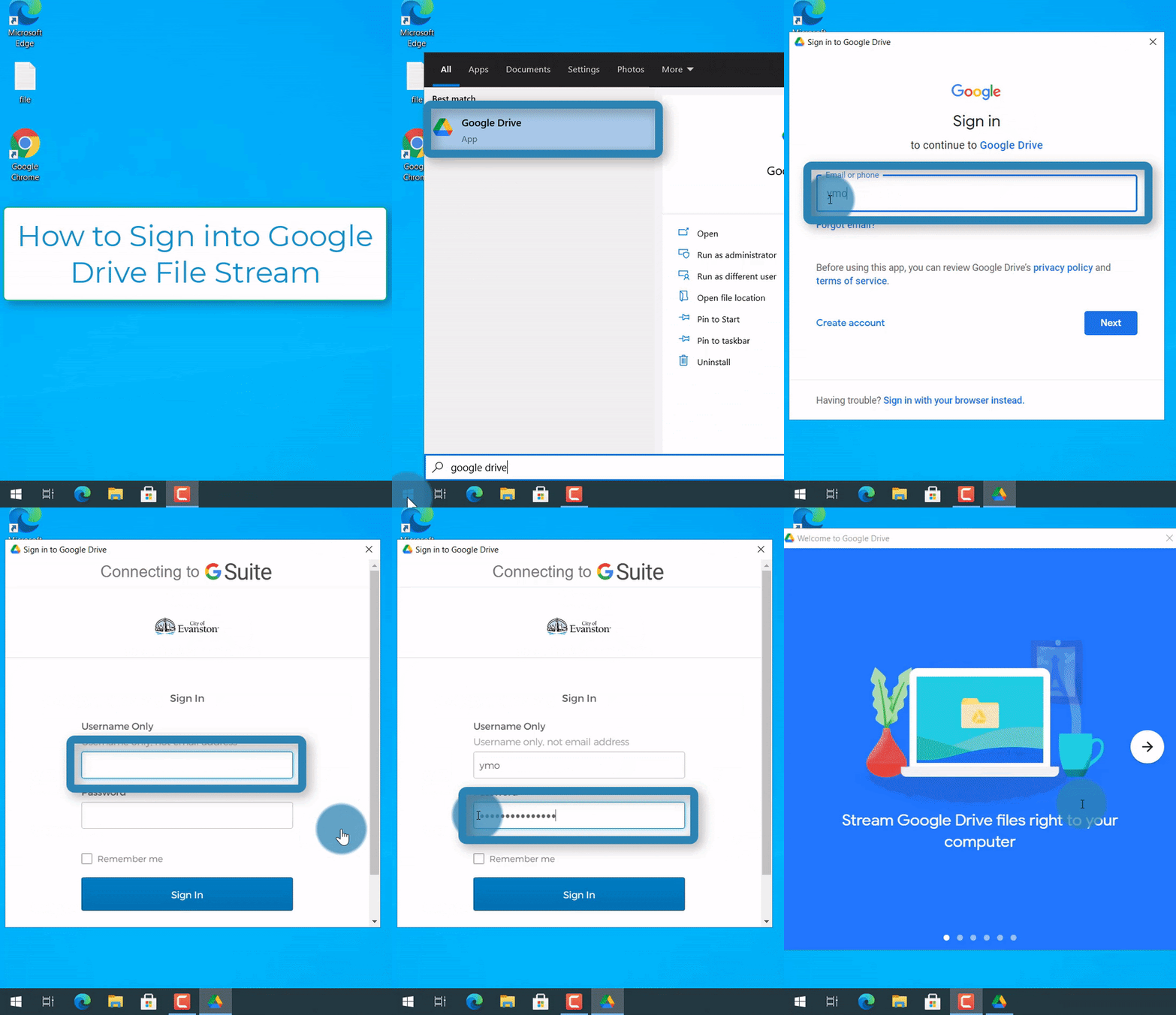
Steps
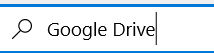
1. In the search bar in the bottom left of the computer, enter "Google Drive"

NOTE: If there's no search bar, select the "Start menu" icon  at the bottom left corner, then start typing (without a search bar)
2. Type "Google Drive"
3. Type your City of Evanston email (xxxxxx@cityofevanston.org)

4. Select "Next" 
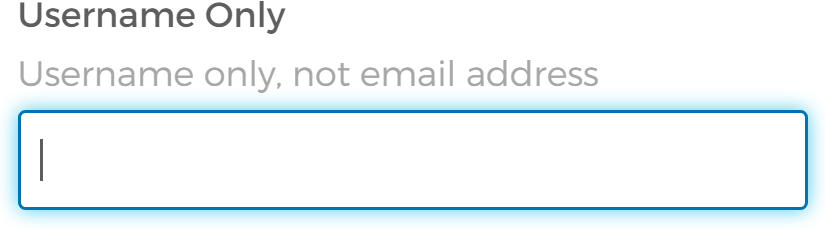
5. Enter your username (not email address)
6. Enter your password

7. Check "Remember me" 
8. Select "Sign in" 
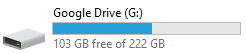
There is now a drive in your file explorer titled "Google Drive (G:)" that mirrors your Google Drive. ("This PC" -> "Google Drive (G:)")