(Video Loading)
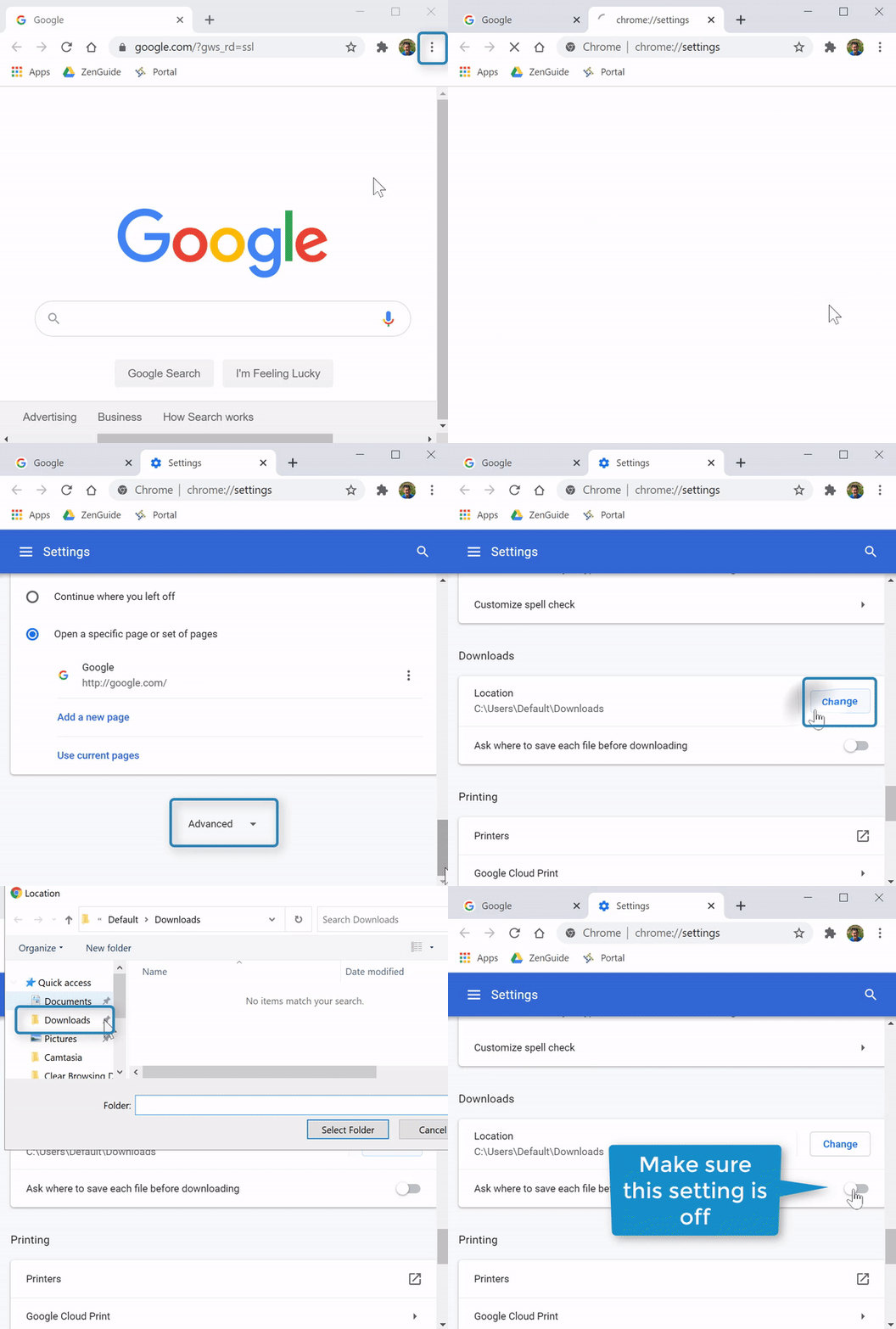
Steps
1. Open Chrome 
2. Select the "Menu" icon  (top right corner)→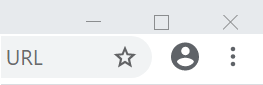
3. Select "Settings" 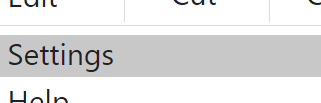
4. Scroll to the bottom and select "Advanced" 
5. Under the "Downloads" section select "Change" 
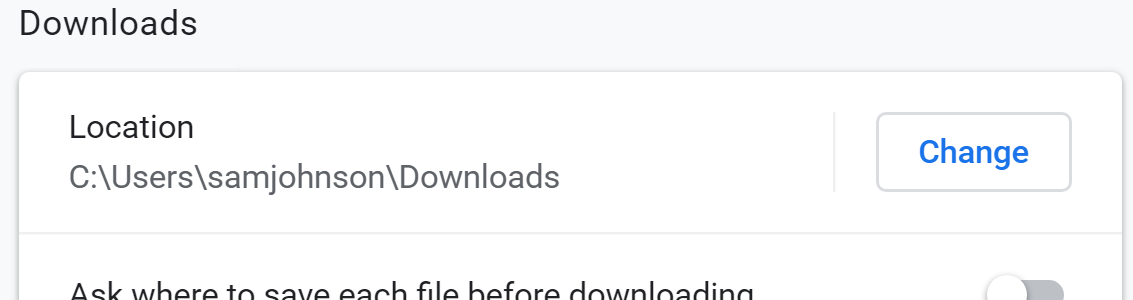
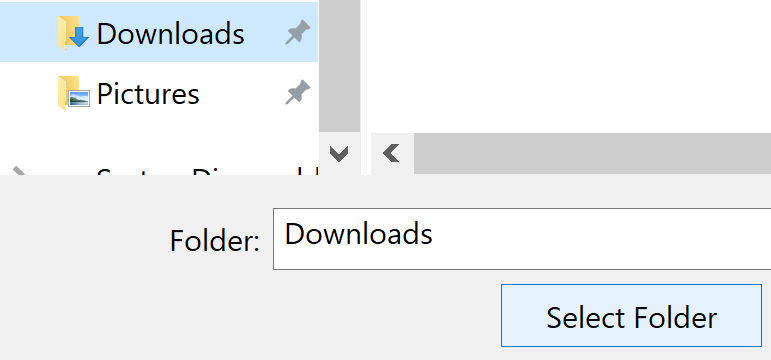
6. Select "Downloads" folder 
7. Select "Select folder" 
8. Confirm the setting "Ask where to save each file before downloading" is off 

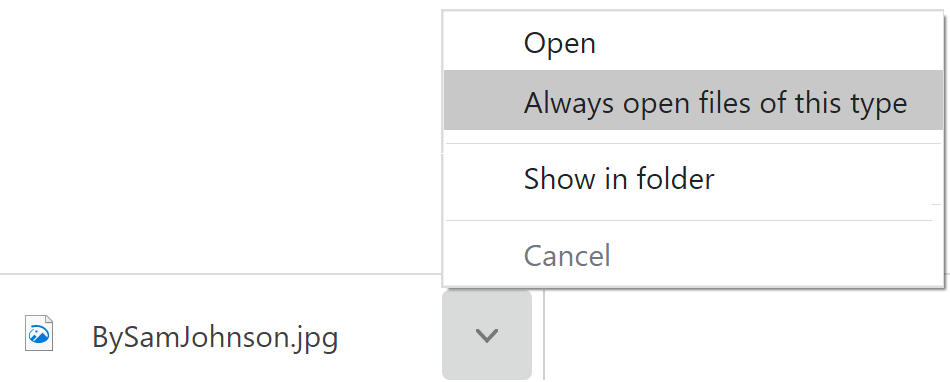
Optional: Set downloaded files to open automatically with "Always open files of this type"