(Video loading)
Steps
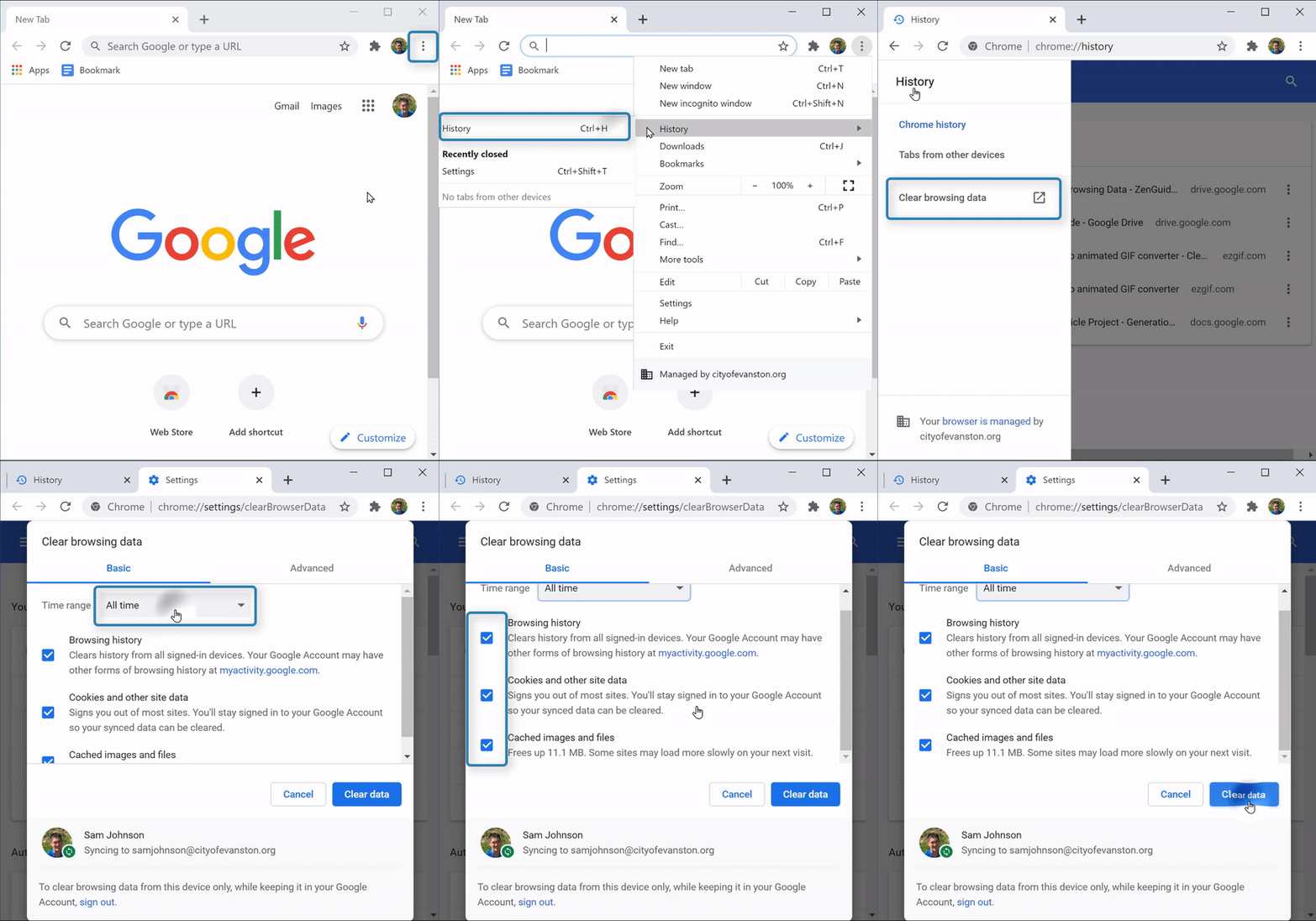
1. Open Chrome 
2. Select the "Menu" icon  (top right corner)→
3. Select “History” → “History” tab 
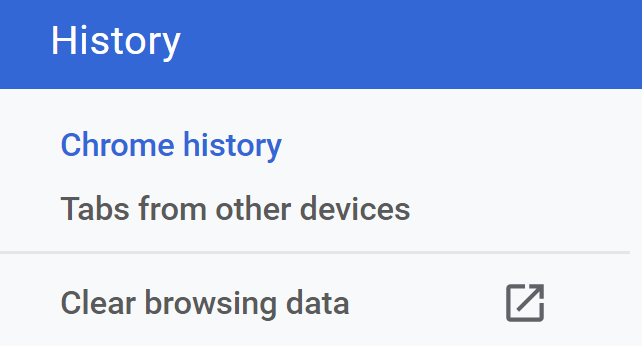
4. Select “Clear browsing data”  from the left
5. Choose time range to clear history from 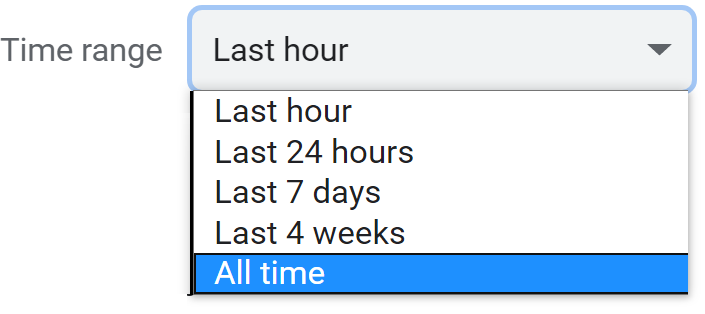
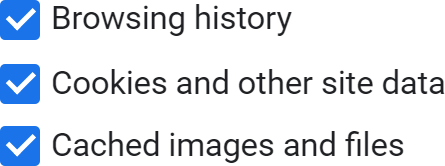
6. Select check boxes for types of information to clear
7. Select “Clear data”