Chrome
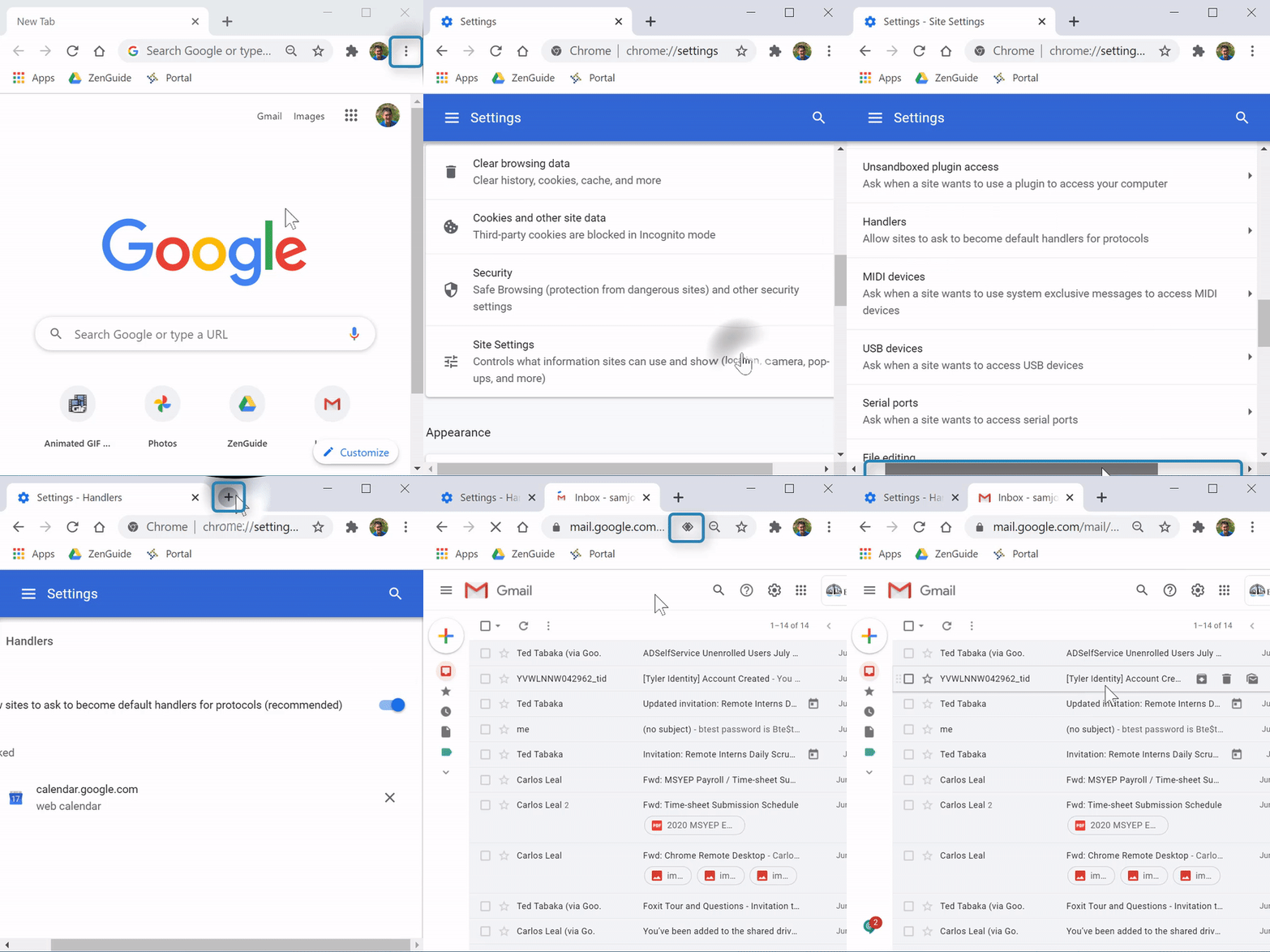
(Video Loading)
Steps
1. Open Chrome 
2. Select the "Menu" icon  at the top right corner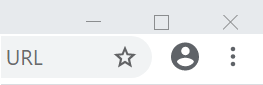
3. Select "Settings" 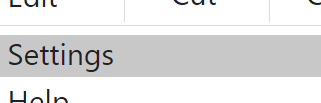
4. Scroll to the bottom and select "Advanced" 
5. Select "Privacy and Security"  from the left
6. Select "Site Settings"

7. Scroll down to "Permissions"
8. Select "Additional Permissions" to reveal more options if they are not already (Arrow will point up when revealed  )
)

9. Select "Handlers"

10. Confirm "Allow sites to as to become default handlers for protocols" is switched on

11. Open Gmail 
12. Select the Protocol Handler icon 
13. Select "Allow" 
14. Select "Done" 
Firefox
(Video Loading)
Steps
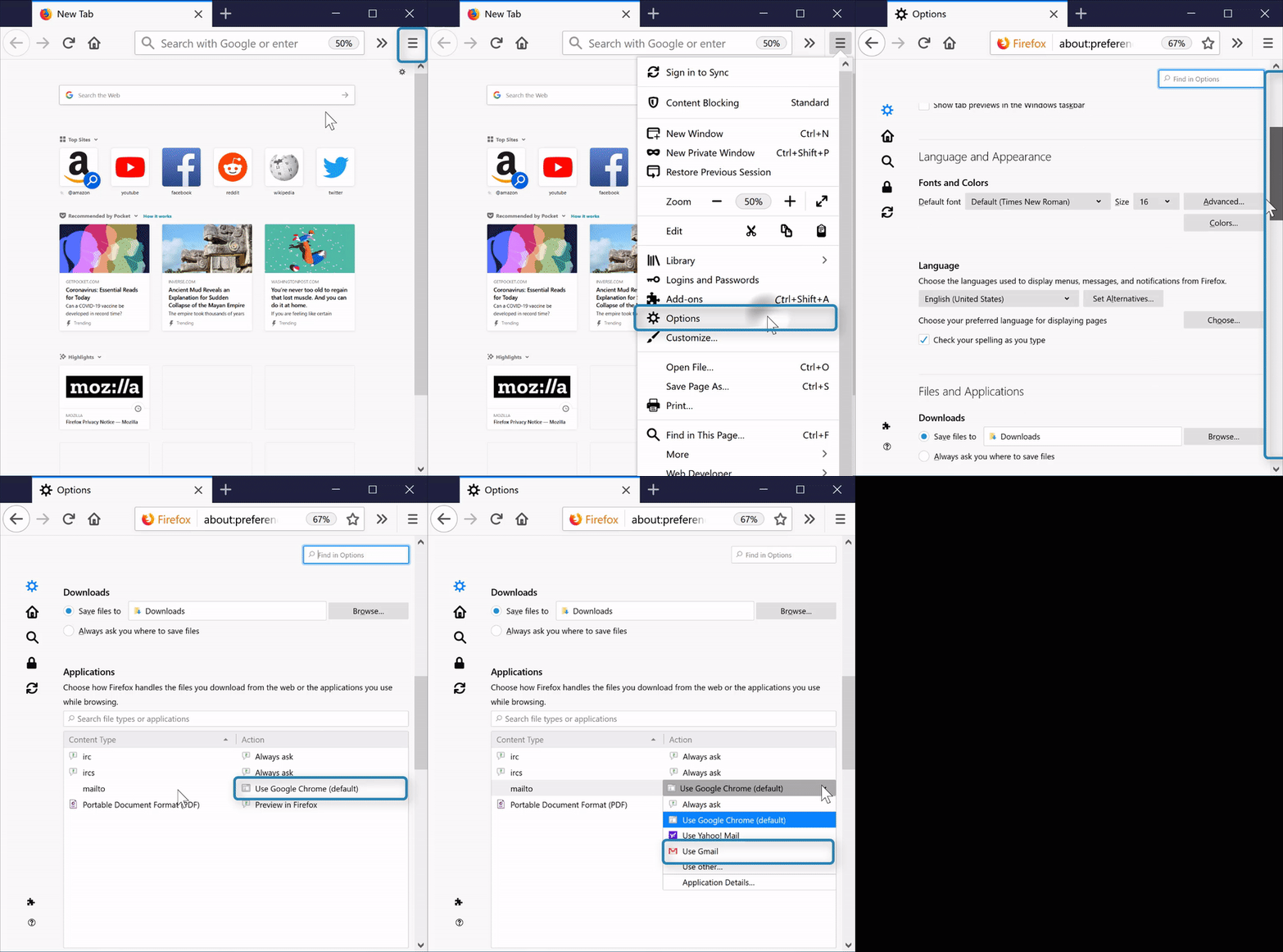
1. Open Firefox 
2. Select the "Menu" button  at the top right corner
3. Select "Options" 
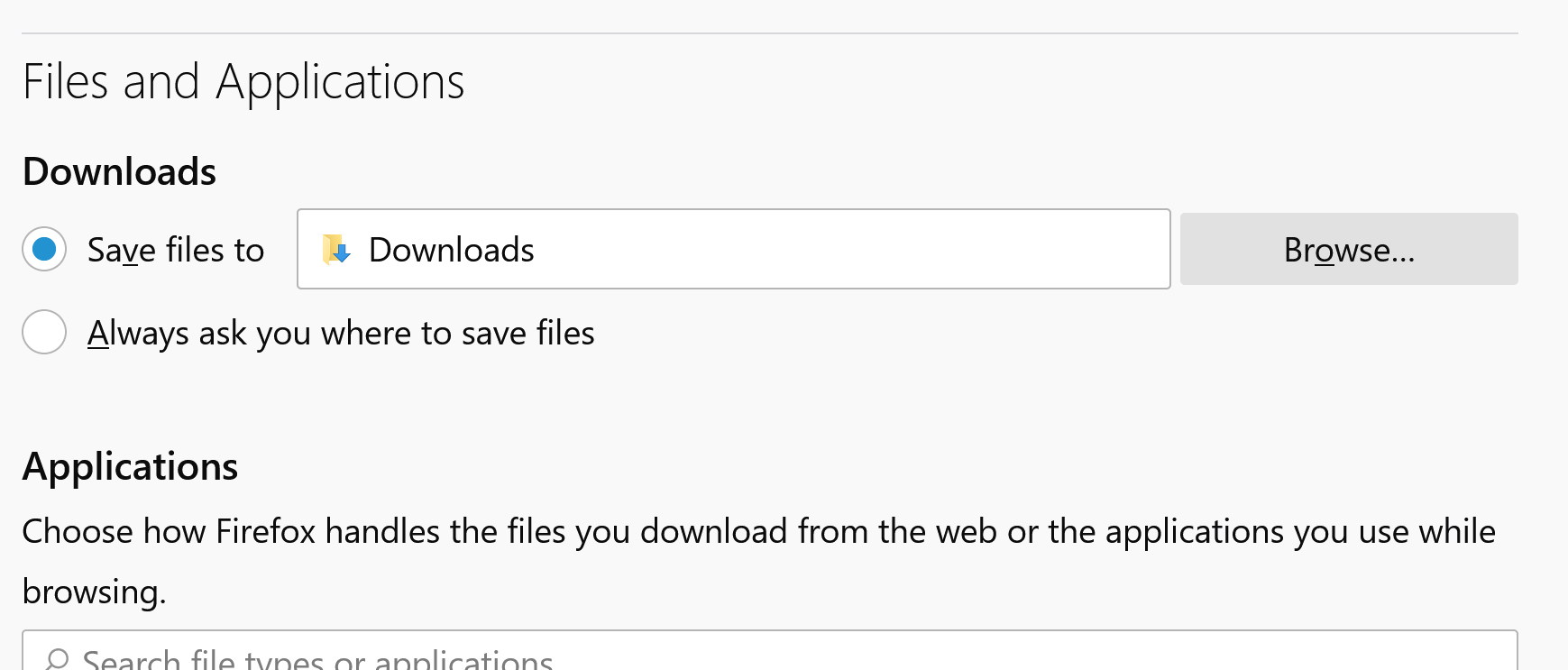
4. Scroll down to "Applications" under "Files and Applications"
5. Under the the "Content Type" column, find "mailto." In the "Action" column, the right of "mailto," select "Use Google Chrome (default)" to reveal the dropdown

6. Select "Use Gmail"