Extensions are mini-programs which run on top of Chrome. More installed extensions require more resources for each Chrome tab.
If you are experiencing slow Chrome startup times, sluggish behavior, or your startup page or search engine has changed without your knowledge, you may want to check and remove unwanted extensions.
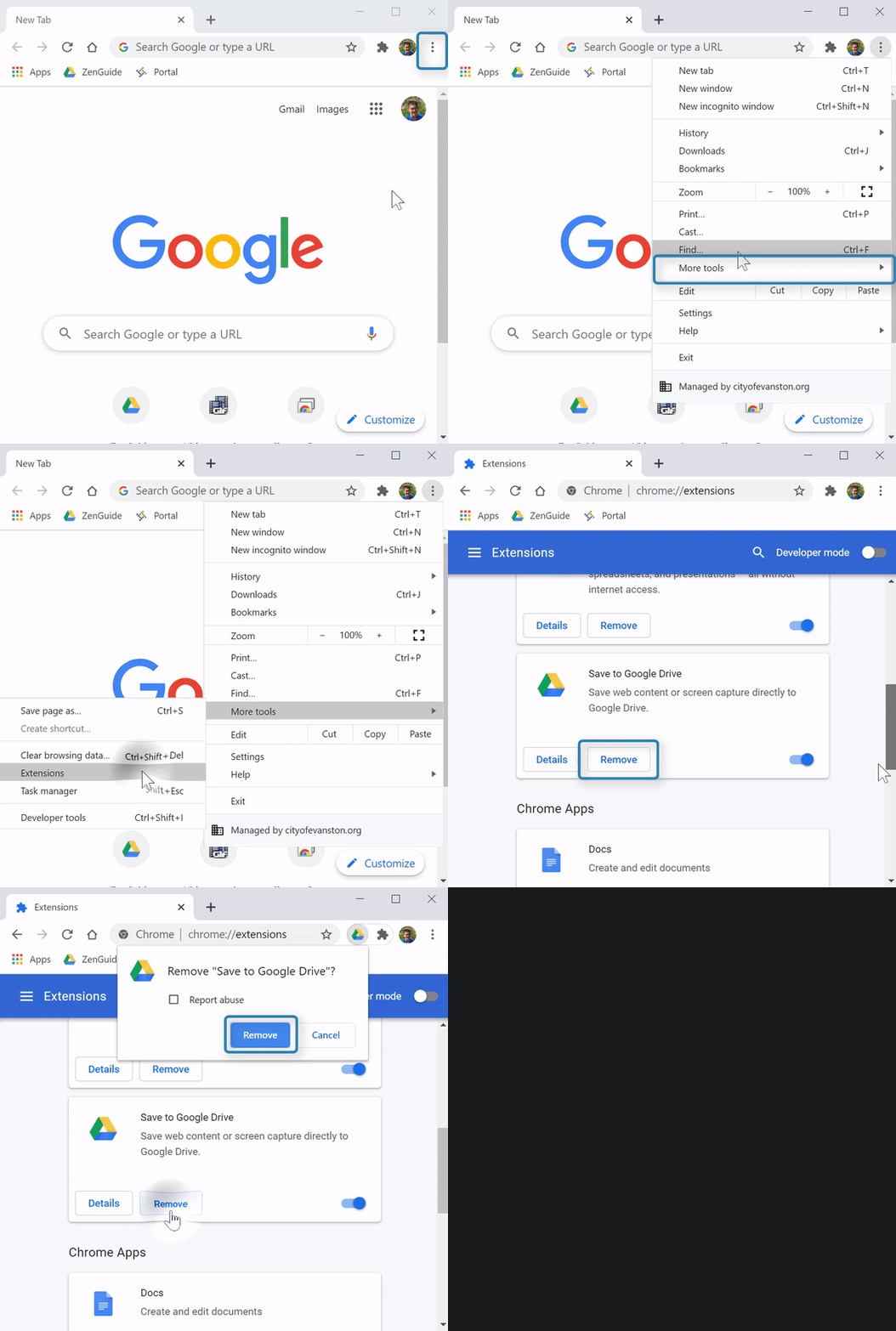
(Video Loading)
Steps
1. Open Chrome 
2. Select the "Menu" icon  (top right corner)→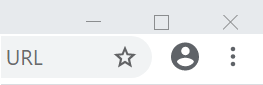
3. Select "More tools" → "Extensions" tab
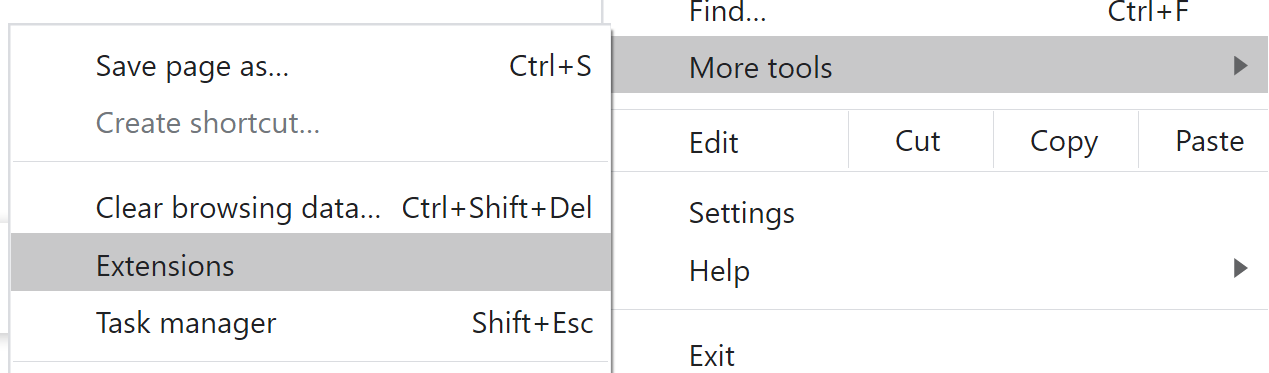
4. Review extensions. The only standard extensions to leave alone are “Docs” and “Sheets”
5. To remove unwanted extensions, select “Remove”  , and then "Remove"