(Video Loading)
Steps
1. Open Chrome 
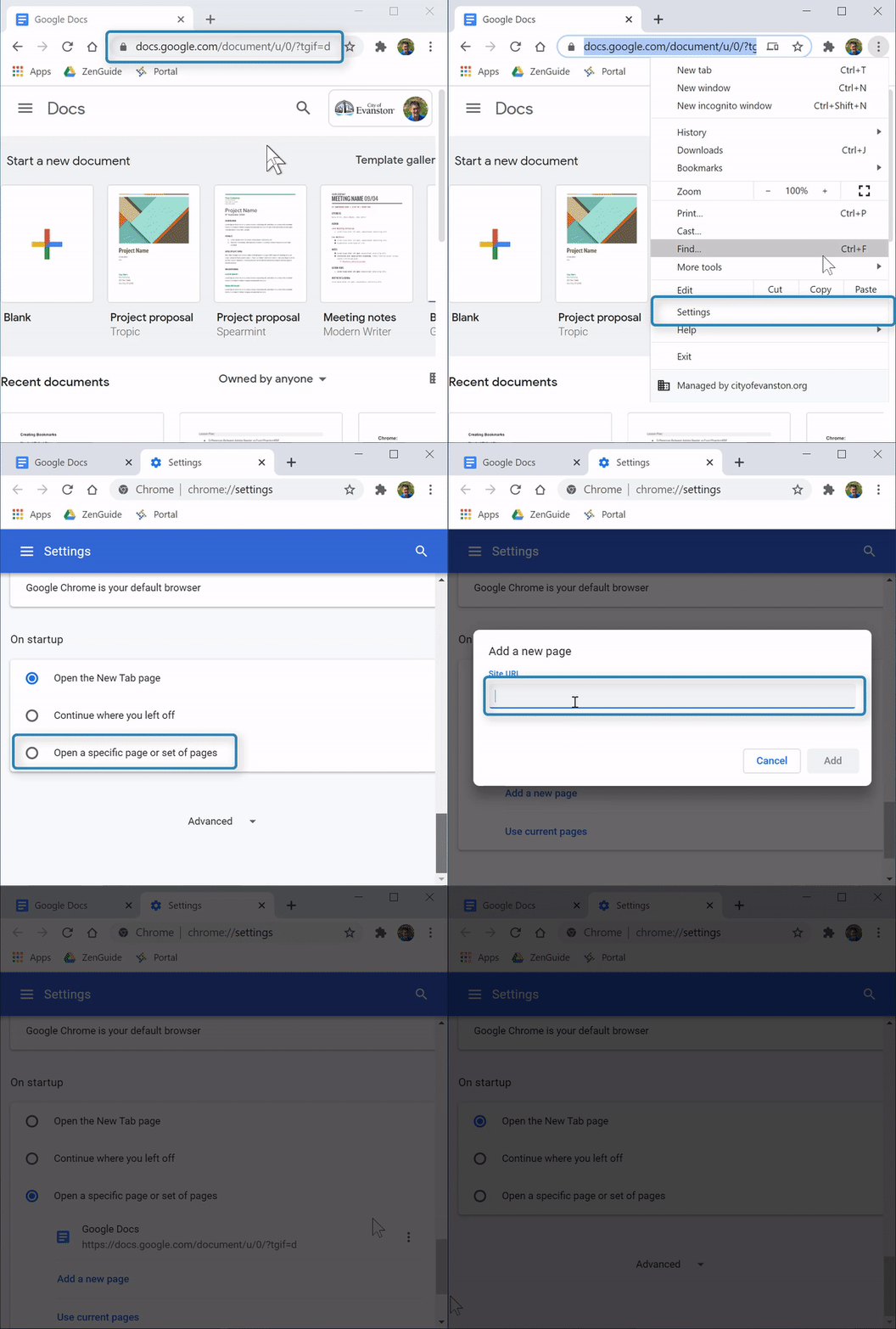
2. Copy the desired startup website's URL (if adding startup page)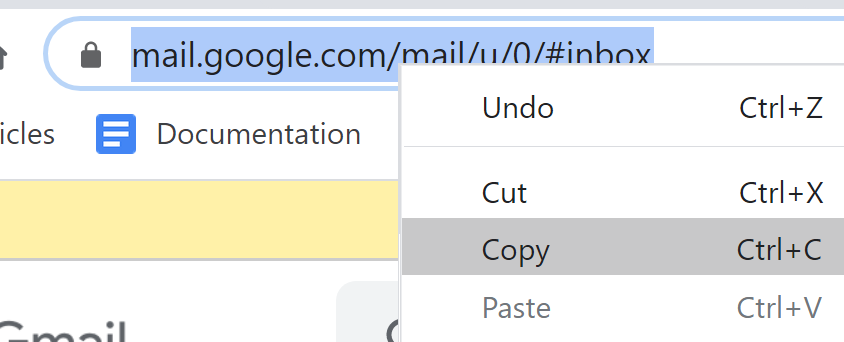
3. Select the "Menu" icon  (top right corner)→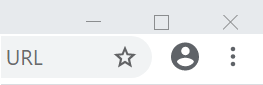
4. Select "Settings" 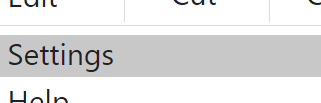
5. Scroll down to the "On startup" section and select "Open a specific page or set of pages"
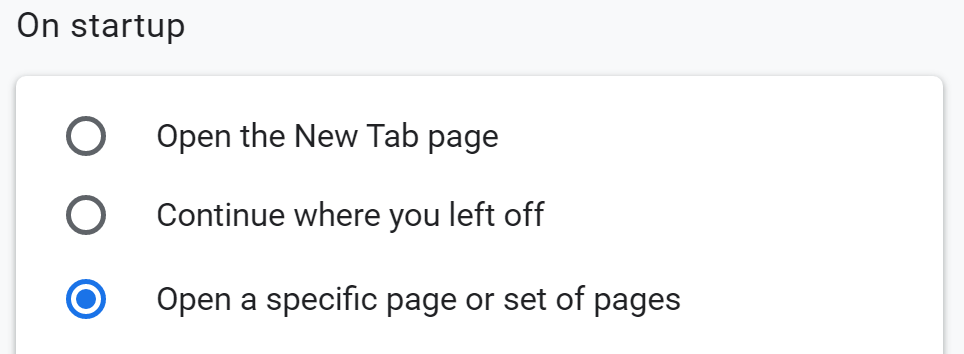
Add New Startup Page
1. Select "Add a new page" 
2. Paste URL into field
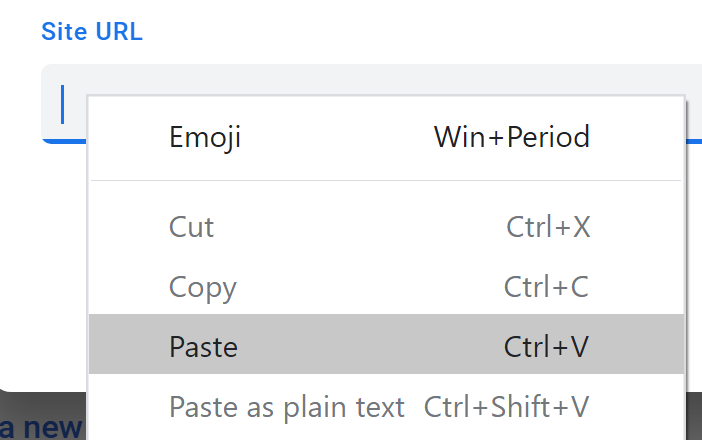
3. Select "Add" 
Edit or Remove Startup Page
1. Select the menu icon to the right of the startup page

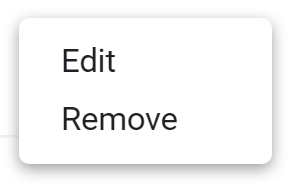
2. Select "Remove" to delete or "Edit" to change the URL