
Do you have issues with email links not opening up in Gmail? You need to select the user setting from Gmail - see below
*Only works when using Google Chrome browser
*Does not work for non-website mailto: link
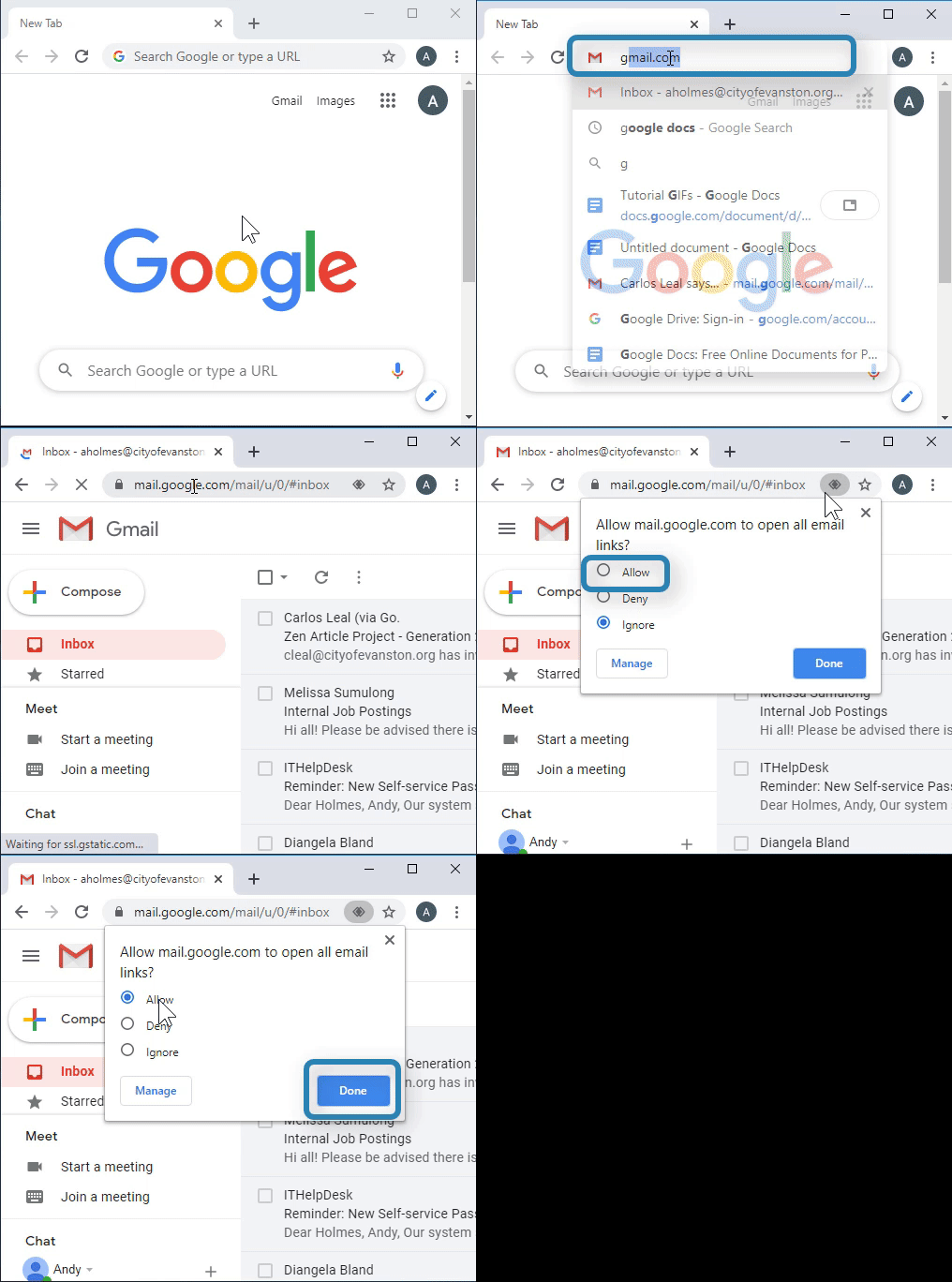
1. Open Google Chrome 
2. Go to Gmail through the address bar or link on homepage 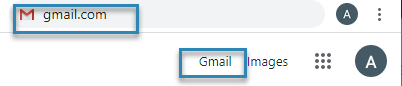
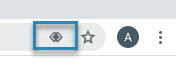
3. Select the diamond in the upper right hand corner
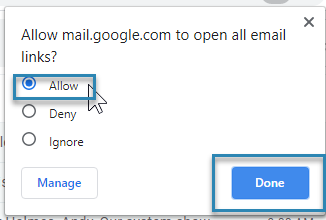
4. Select “Allow” then “Done”
If you don’t see a diamond: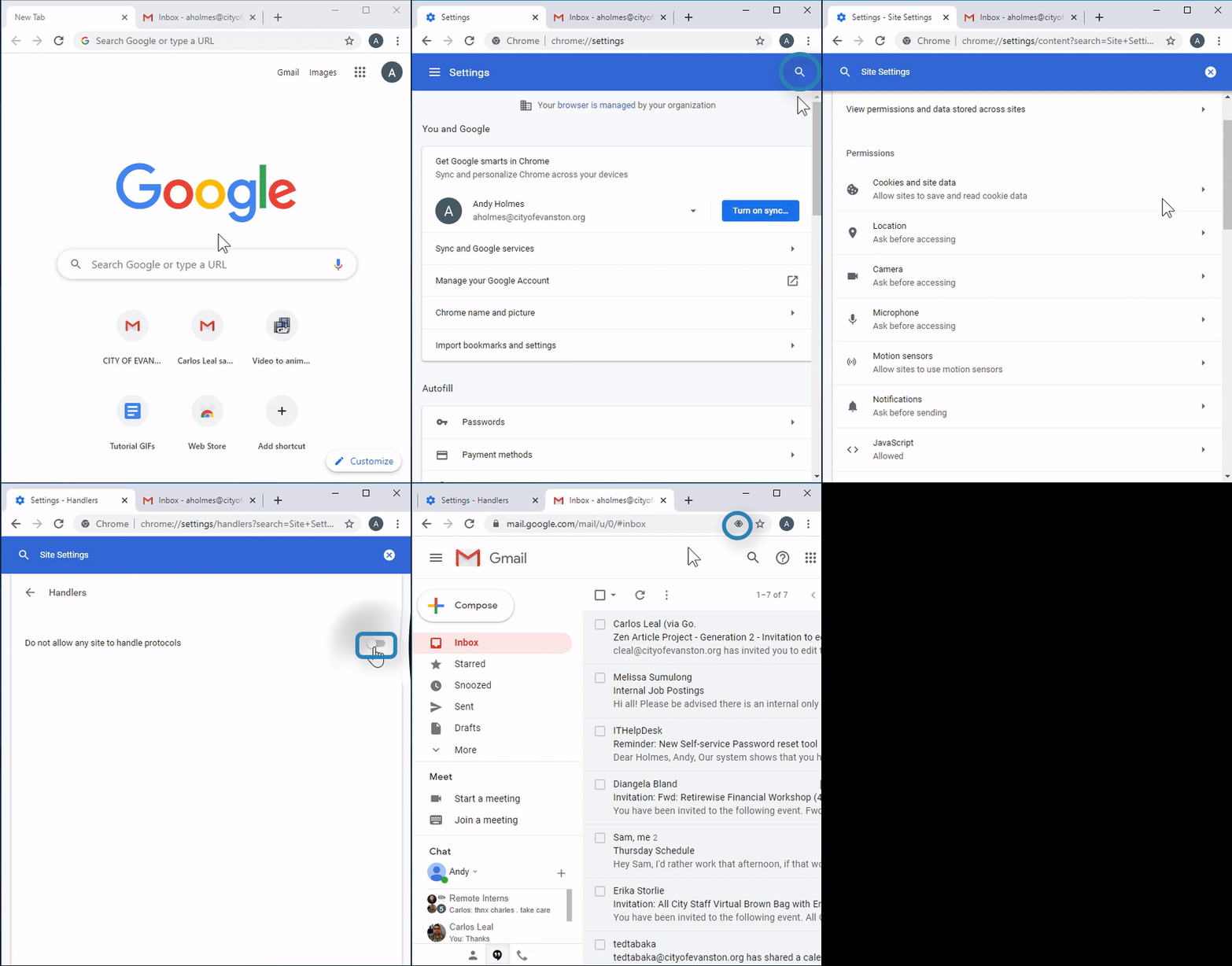
1. Select the more button in the top right corner 
2. Scroll down and select "settings" 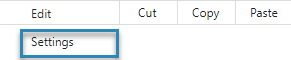
3. Search for “Site Settings” 
4. Select “Site Settings" 
5. Scroll down and select “Handlers” 
6. Confirm that “Allow sites to ask to become default handlers for protocols” is checked 
7. Refresh Gmail 
8. Select the diamond symbol in the top right corner
9. Select “Allow” then “Done”