Most web issues can be cleared by clearing your browser cookies. You can also try an incognito tab.
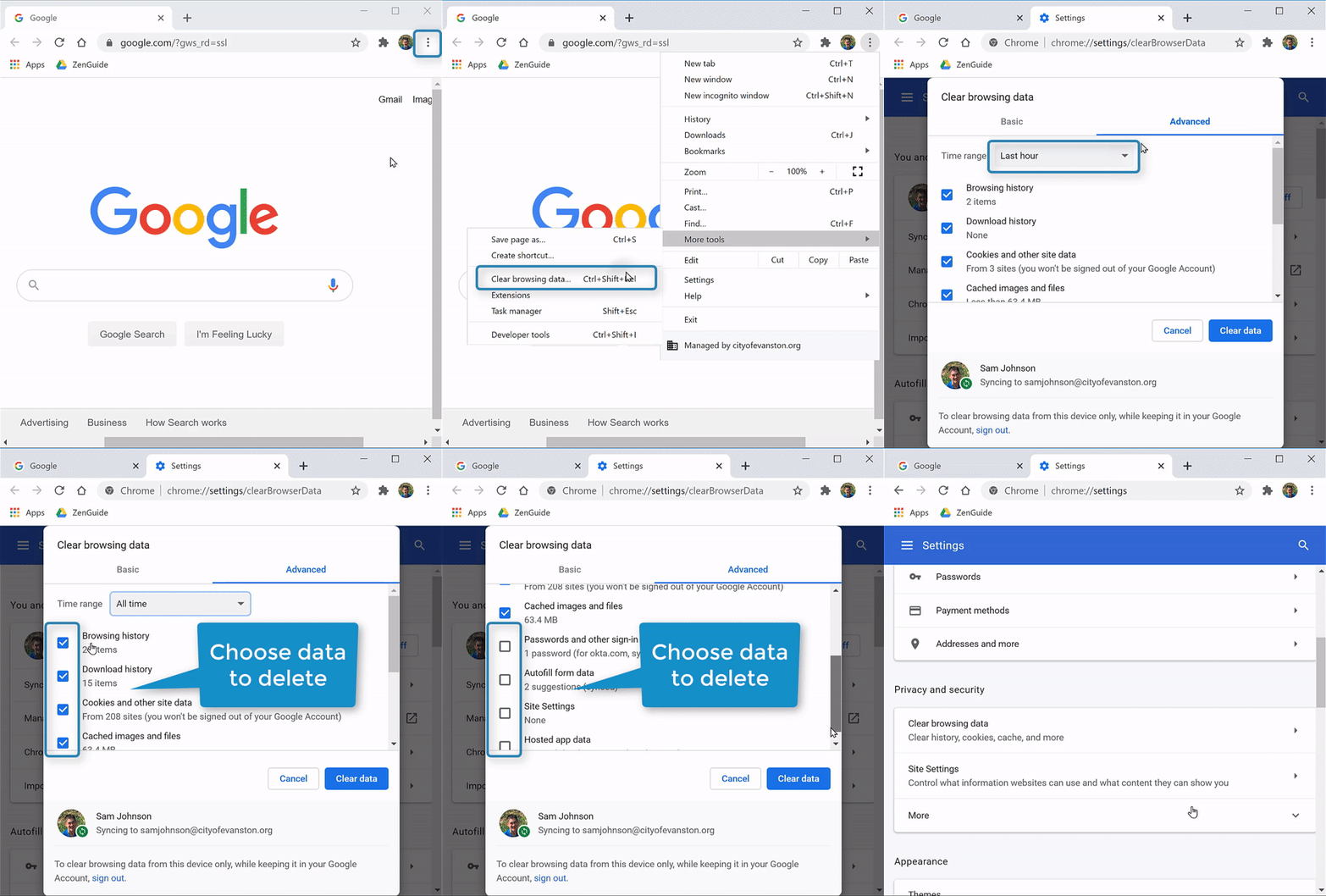
(Video Loading)
Steps
1. Open Chrome 
2. Select the "Menu" icon  (top right corner)→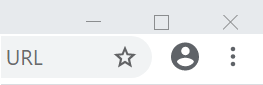
3. Select "More tools" → "Clear Browsing Data" tab 
4. Select "Advanced" 
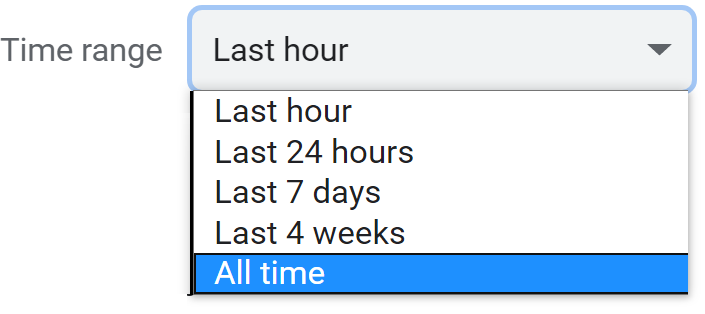
5. Choose time range to clear browsing data from
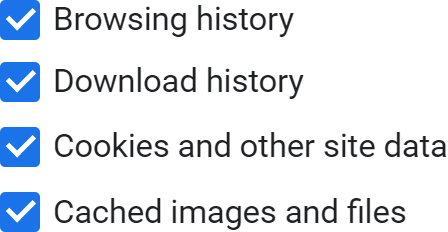
6. Select check boxes for types of information to clear
7. Select "Clear data"