
Change Duo Phone Number

Steps
1. Access the DUO authentication screen
(easiest way is to log out of google and sign back in)
2. Select "Add a new device" 
3. Use your current mobile device to log into DUO

4. Select the device you will be using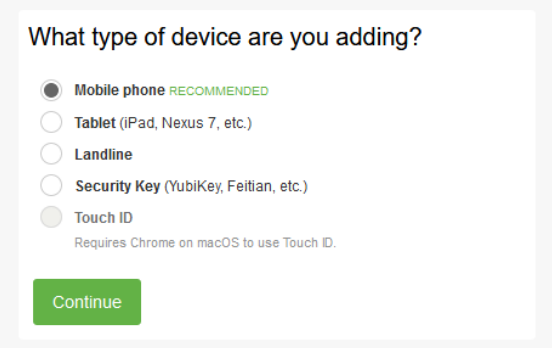
5. Type in your phone number and Select the box to confirm it is the correct phone number
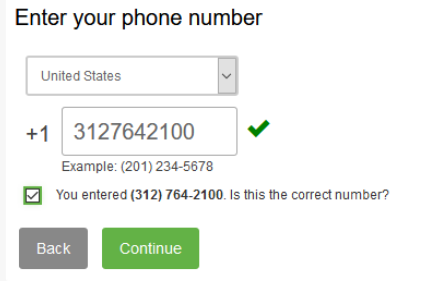
6. Select "Continue" 
7. Select what type of phone you have
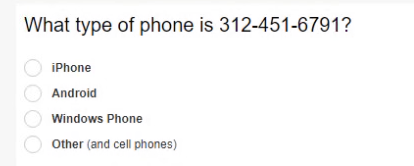
8. Select "Continue"
9. Download the Duo Mobile app and Select "I Have a Duo Mobile Installed" and Click on this article on how to install the DUO app if needed. LINK