
(Video Loading)
Steps
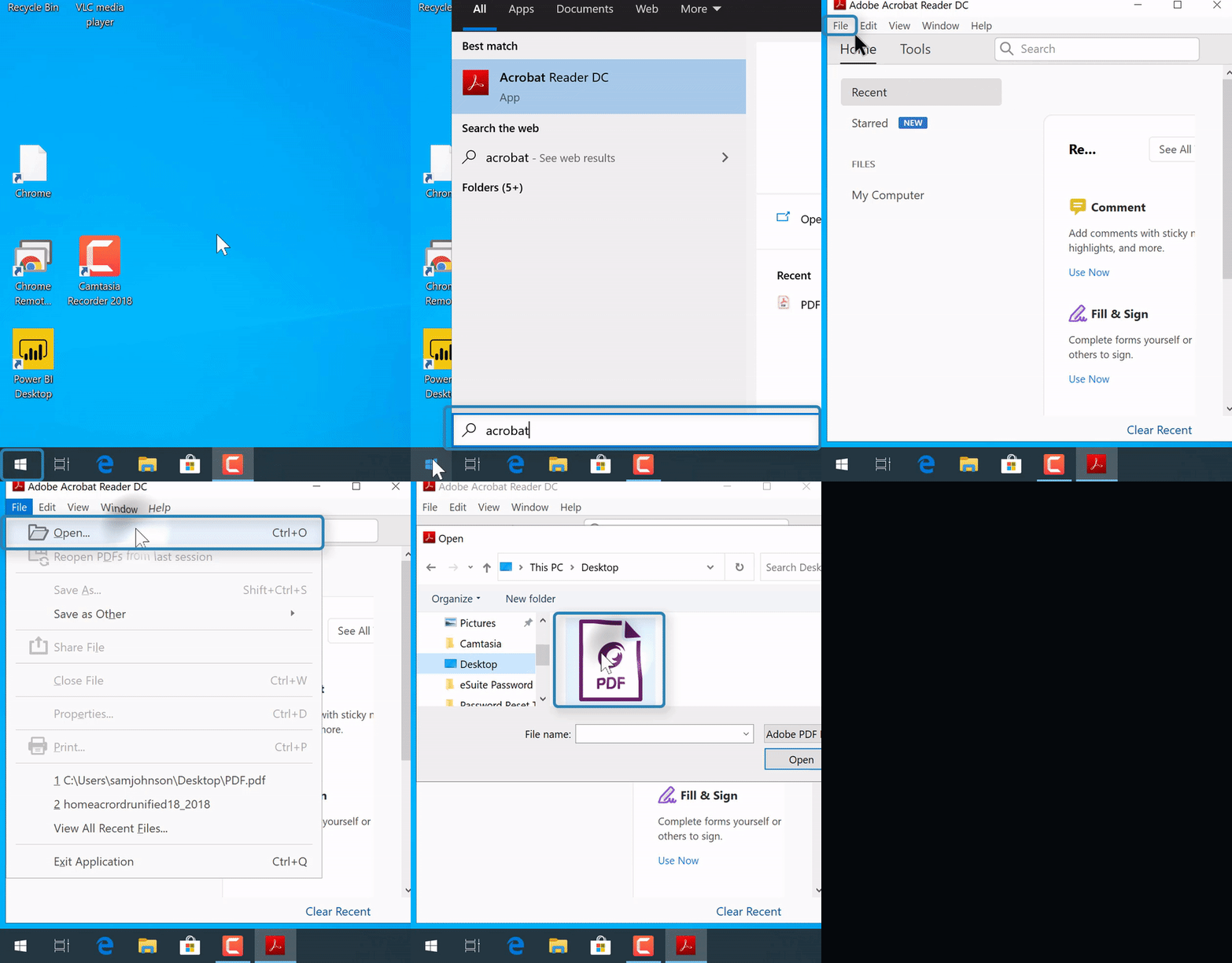
1. Once the file is downloaded, in the search bar in the bottom left of the computer  , enter "Acrobat Reader DC"
NOTE: If there's no search bar, select the "Start menu" icon  at the bottom left corner, then start typing (without a search bar)
2. Select the "Acrobat Reader DC" application

3. Select "File" from the top right corner
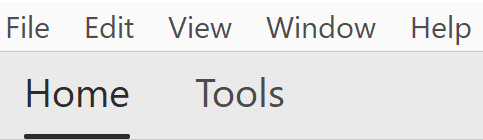
4. Select "Open"

5. Locate the PDF location, likely the "Downloads" folder
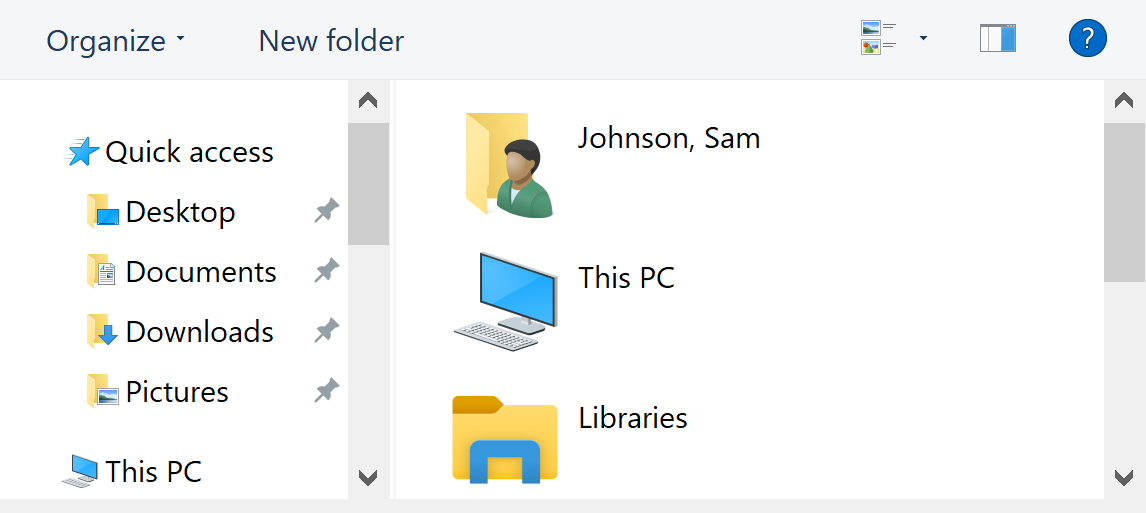
6. Select "Open" 
The form should be visible and fillable