
This tutorial will show how to change your default application from one program to another.
(Video Loading)
Steps
1. Right-click on a file of the desired file type
2. Select "Properties" 
3. Select "Change..." 
4. Select the new default program (options vary)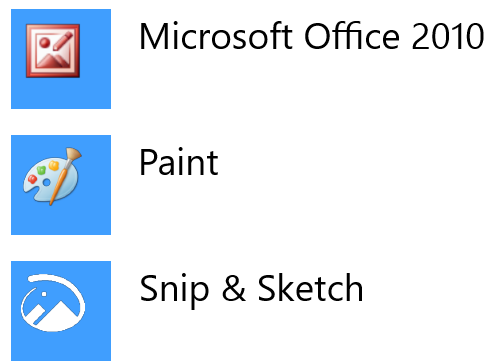
5. Select "OK" 
6. Select "OK" 
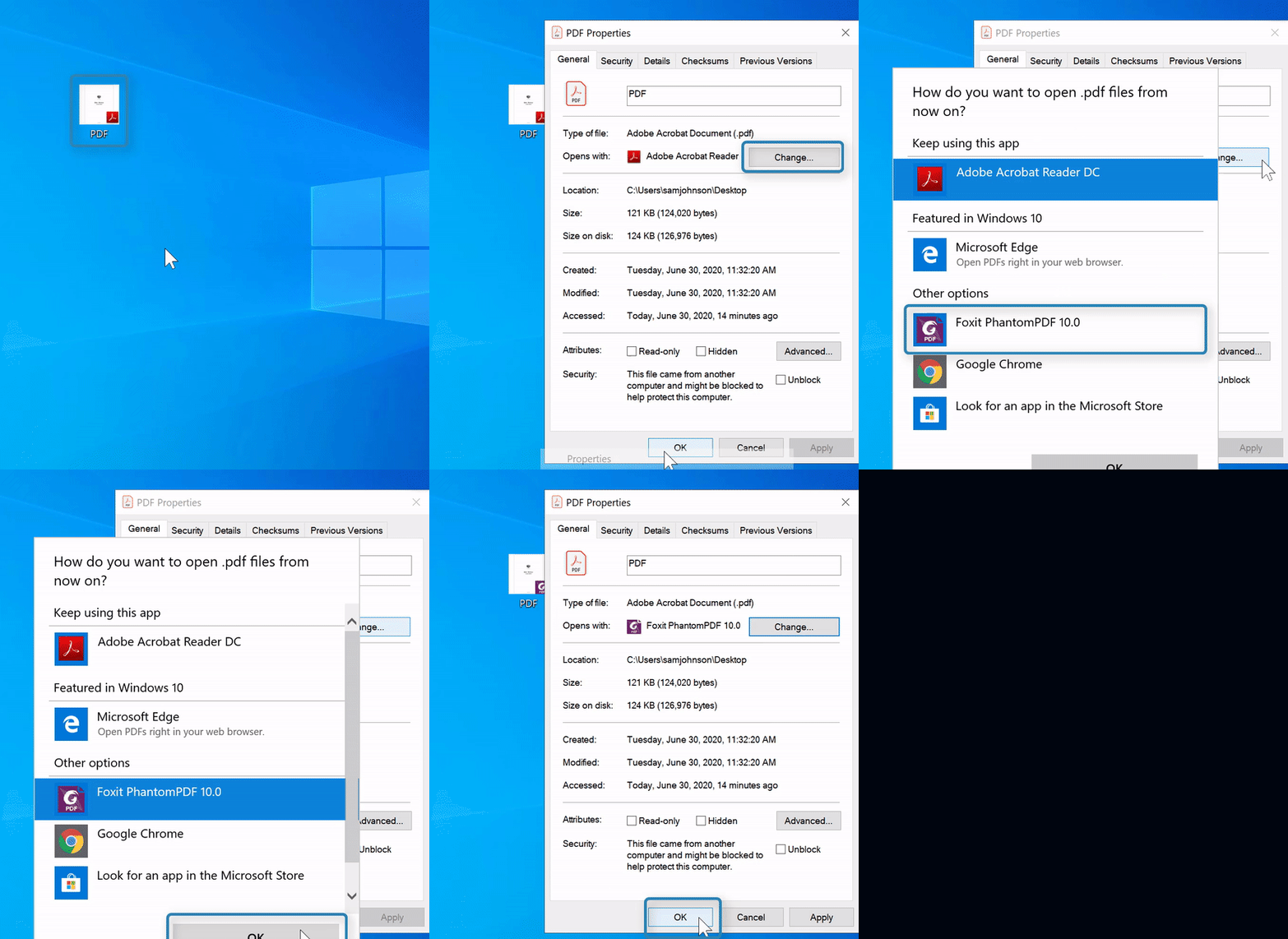
Here is a specific example, changing PDF viewer from "Adobe Acrobat Reader DC" to "Foxit PhantomPDF Business PDF Editor" (also shown in video)
Steps
1.Right-click on a PDF 
2. Select "Properties"
3. Select "Change..."
4. Select "Foxit PhantomPDF 10.0" 
5. Select "OK"
6. Select "OK"
Helpful or Related Article(s):