
How to Toggle Projection Settings
Steps:
1. Press and Hold the windows key on your keyboard 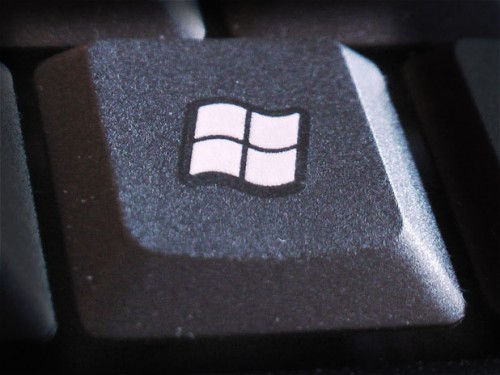
2. While Holding the windows key, Press "P" on your keyboard
3. Tapping the "P" key while Holding down the windows keys, will cycle through the options.
- PC screen only - content will only displayed on the laptop
- Duplicate - the same content will be display on the laptop screen and projector/monitor
- Extend - the projector or monitor is a second screen, and content can be dragged from the laptop over to the secondary display
- Second screen only - the laptop's screen will be temporarily disabled, and the desktop is displayed on the secondary display
4. Once you have selected the one you want, Let go of both keys to make the change.