How to Send a Fax via SRFax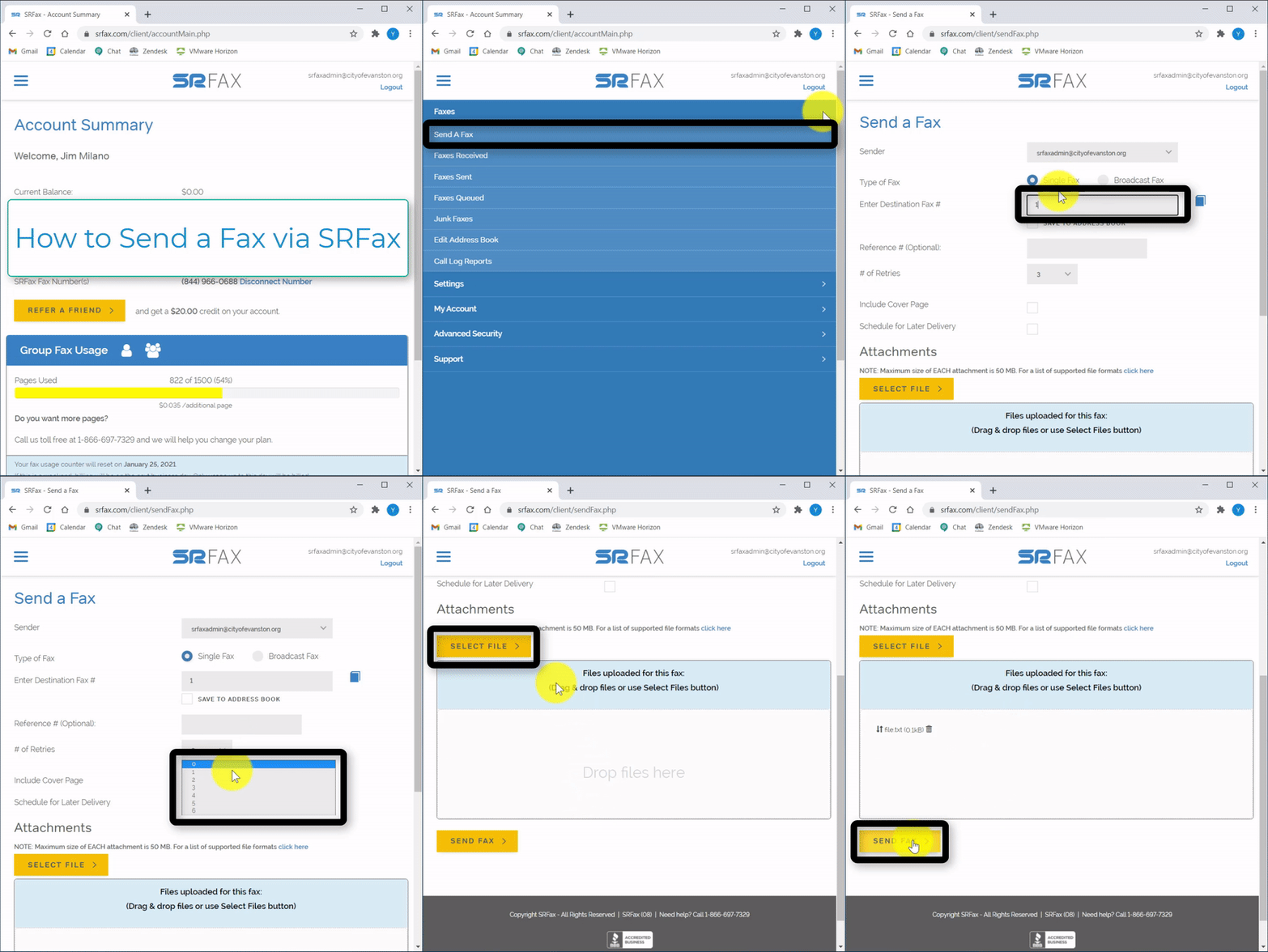
Steps:
1. Select "Faxes" on the left hand side

2. Select "Send a Fax"

3. Select "Single Fax" or "Broadcast Fax"

4. Type in the Destination Fax # 
5. Optionally type in a Reference #
6. Select the # of Retries

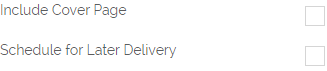
7. Optionally select if you want to include a cover page or schedule it for later
8. Select "Select File" on the right hand sign, then Select your file

9. You can also Drag and Drop a file into the space on the right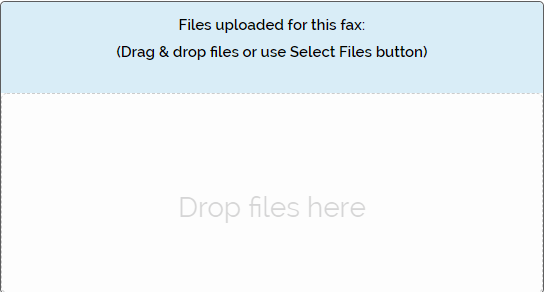
10. Select "Send Fax"