How to use the Snipping Tool
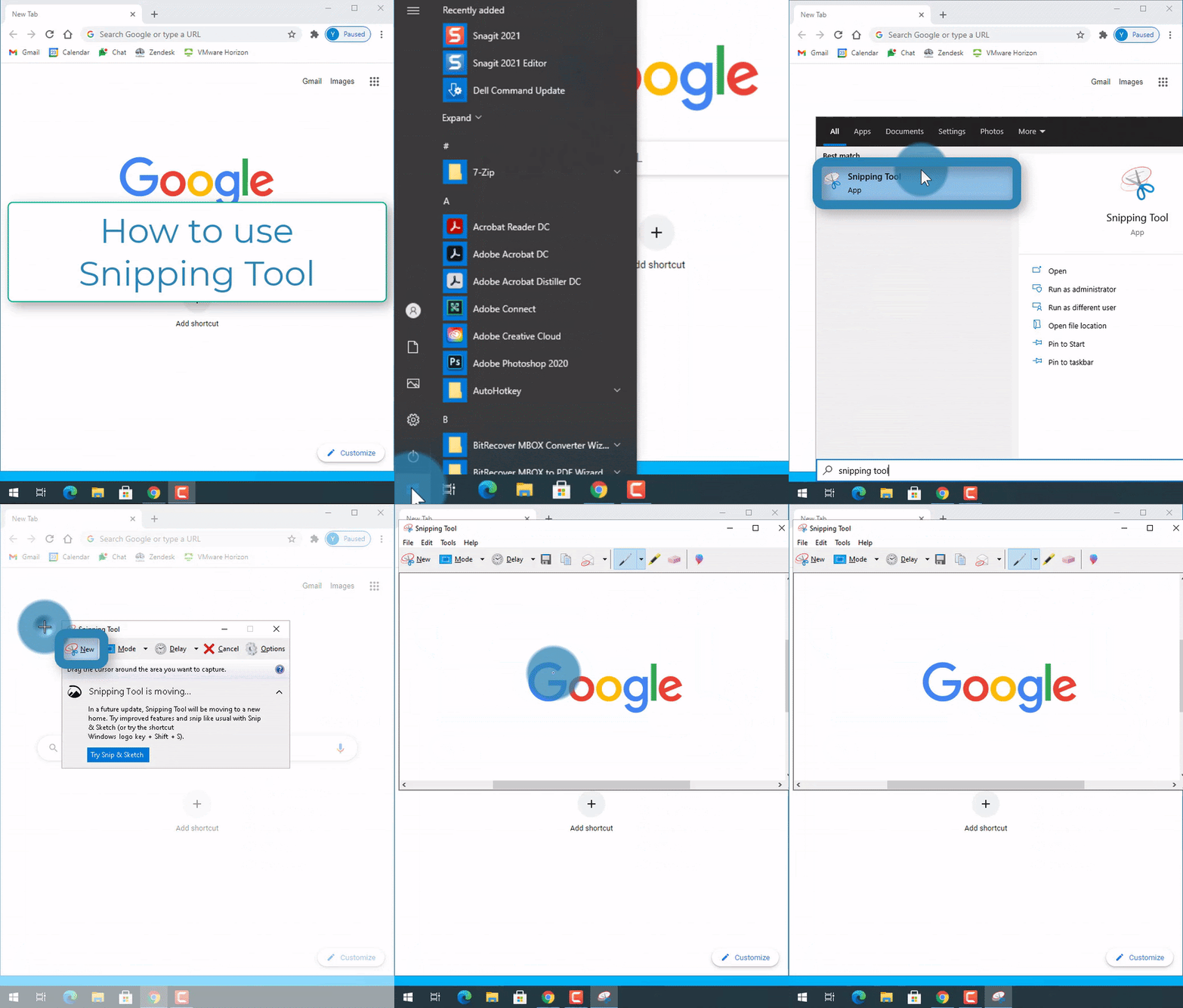
Steps:
1. Select the Start button 
2. Type in "Snipping Tool" 
3. Select the Snipping Tool 
4. Select "new" 
5. Click and drag a rectangle around what you want to take a screenshot of
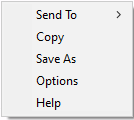
6. Right-click on the image
7. Select "Save As" or "Copy"