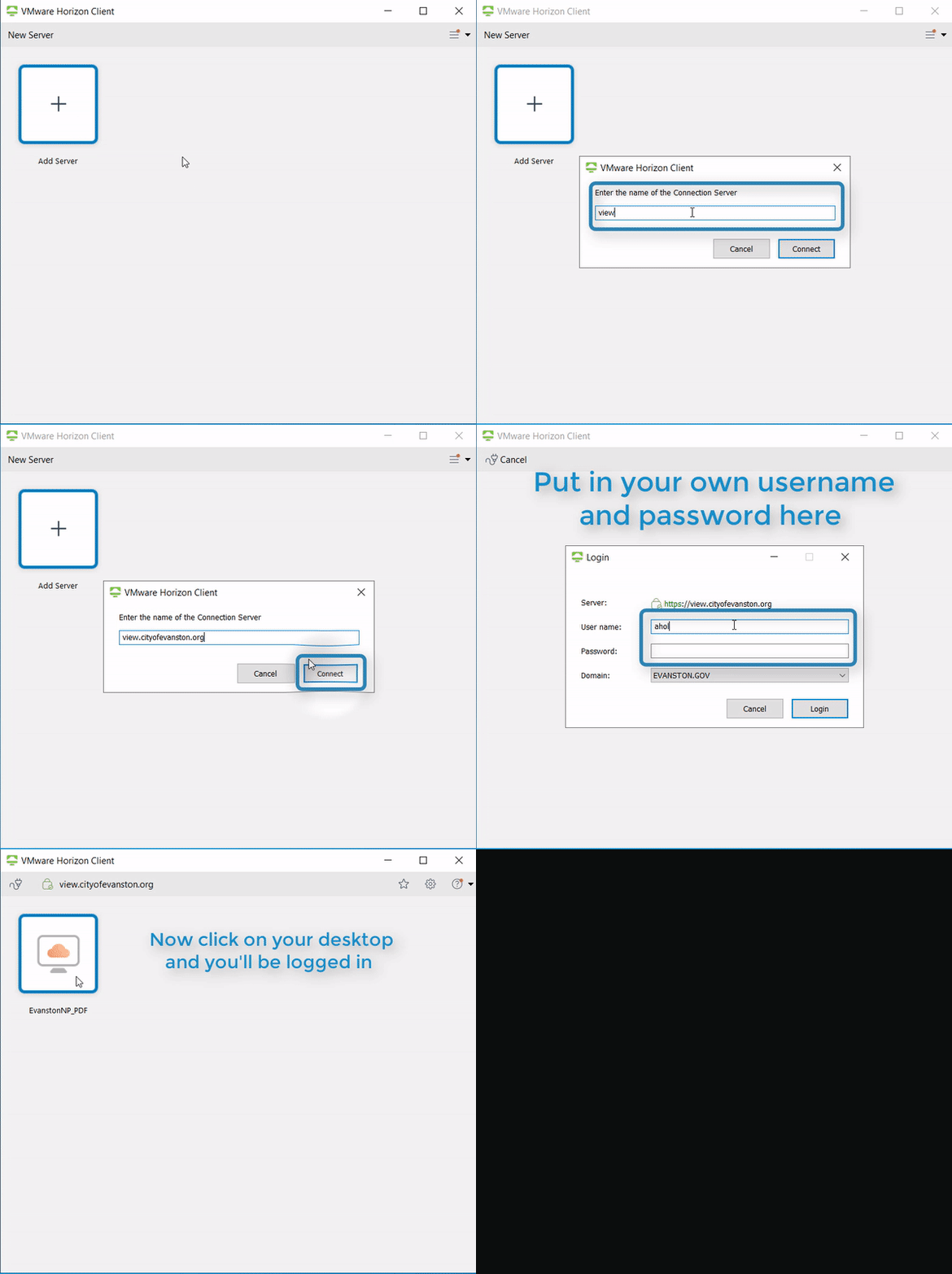
1. Start the “VMware Horizon Client”
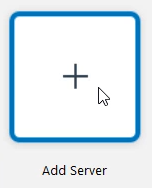
2. Select “Add Server”
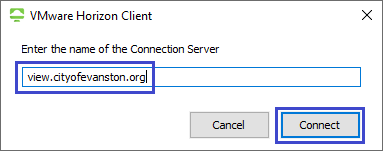
3. Type in “view.cityofevanston.org” and select “Connect”
4. Select 
5. Type in your username and password and select "Login” 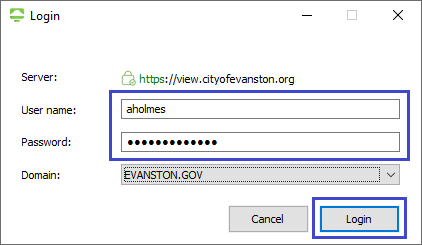
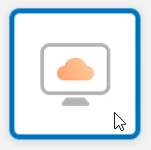
6. Select your desktop and you will be logged in

1. Start the “VMware Horizon Client”
2. Select “Add Server”
3. Type in “view.cityofevanston.org” and select “Connect”
4. Select
5. Type in your username and password and select "Login”
6. Select your desktop and you will be logged in