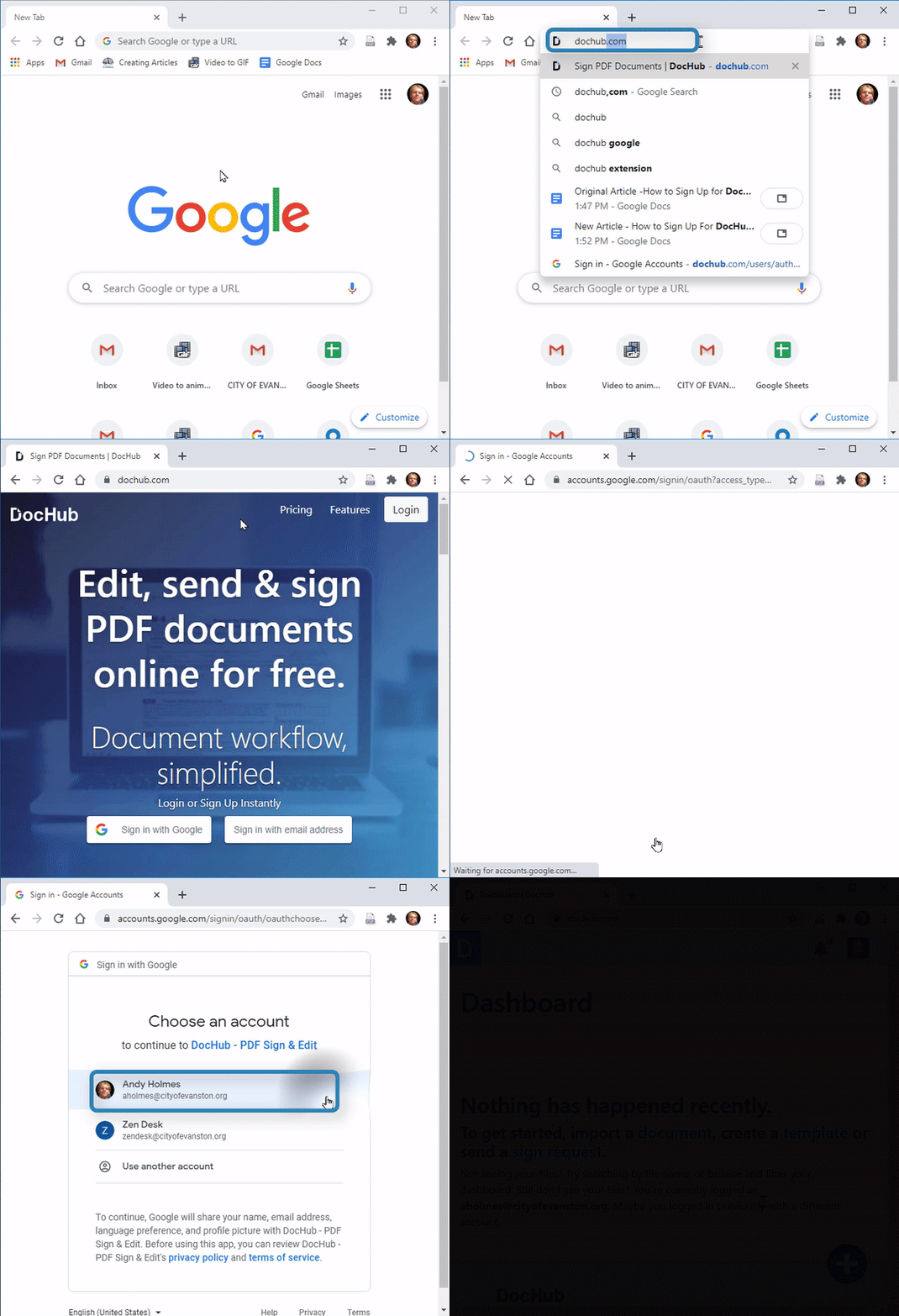
1. Open Google Chrome 
2. Go to “dochub.com” 
3. Select 
4. Select your “cityofevanston.org” email address 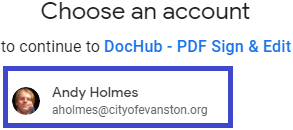
5. If not prompted, enter your “cityofevanston.org” email address and select "Next"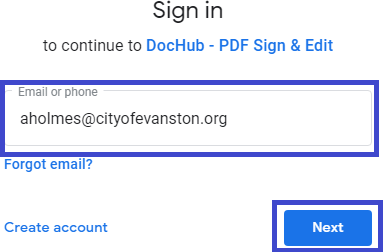
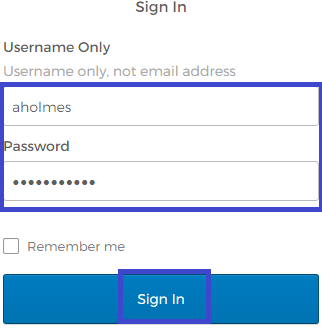
6. Enter your email and password and select "Sign In"

1. Open Google Chrome
2. Go to “dochub.com”
3. Select
4. Select your “cityofevanston.org” email address
5. If not prompted, enter your “cityofevanston.org” email address and select "Next"
6. Enter your email and password and select "Sign In"