
These instructions will work for any device that has a power plug and a power button. If in doubt, please feel free to perform a power flush.
1. Turn the device off by pressing the power button
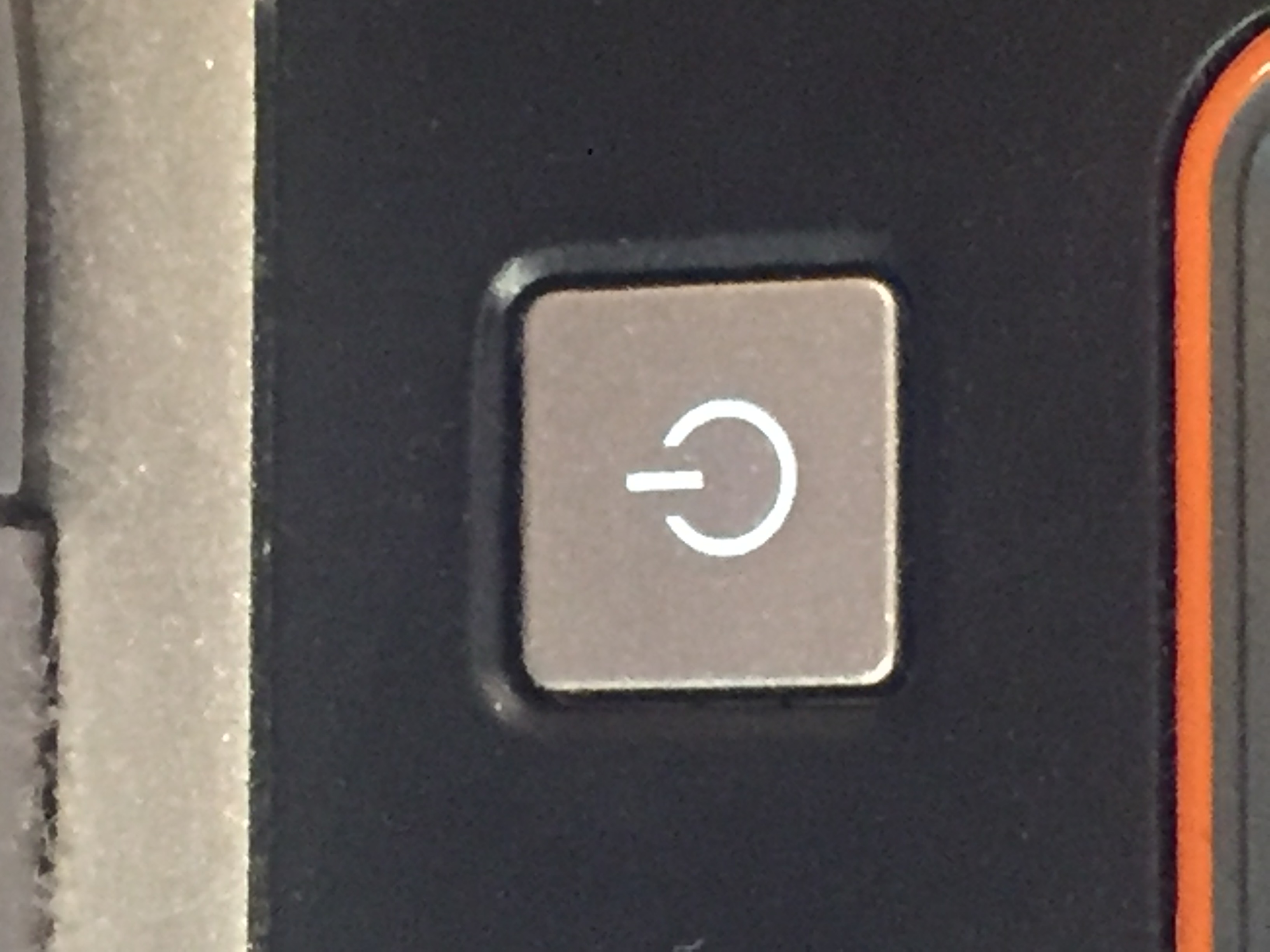
2. Unplug the device from the device/wall/surge protector
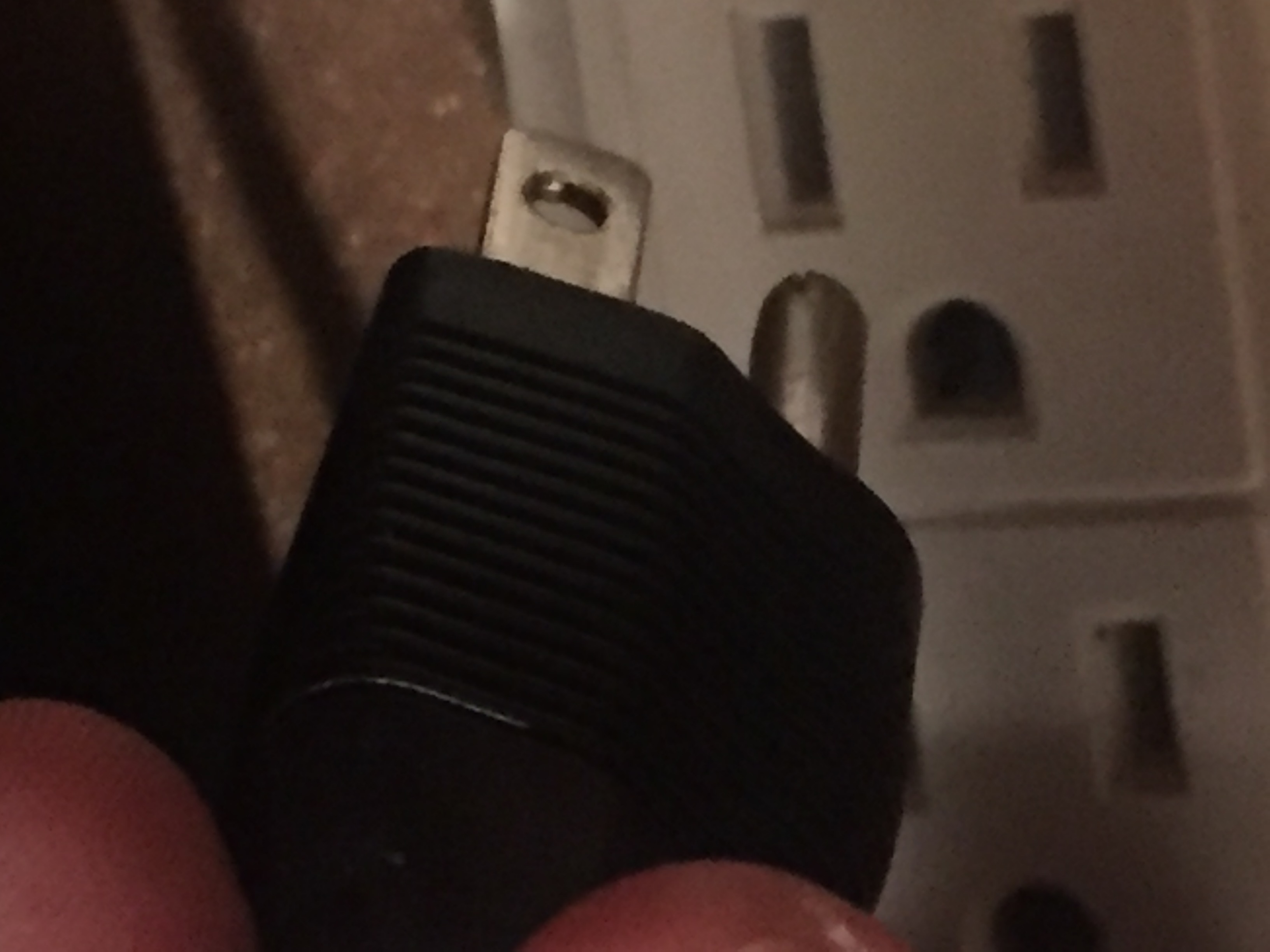
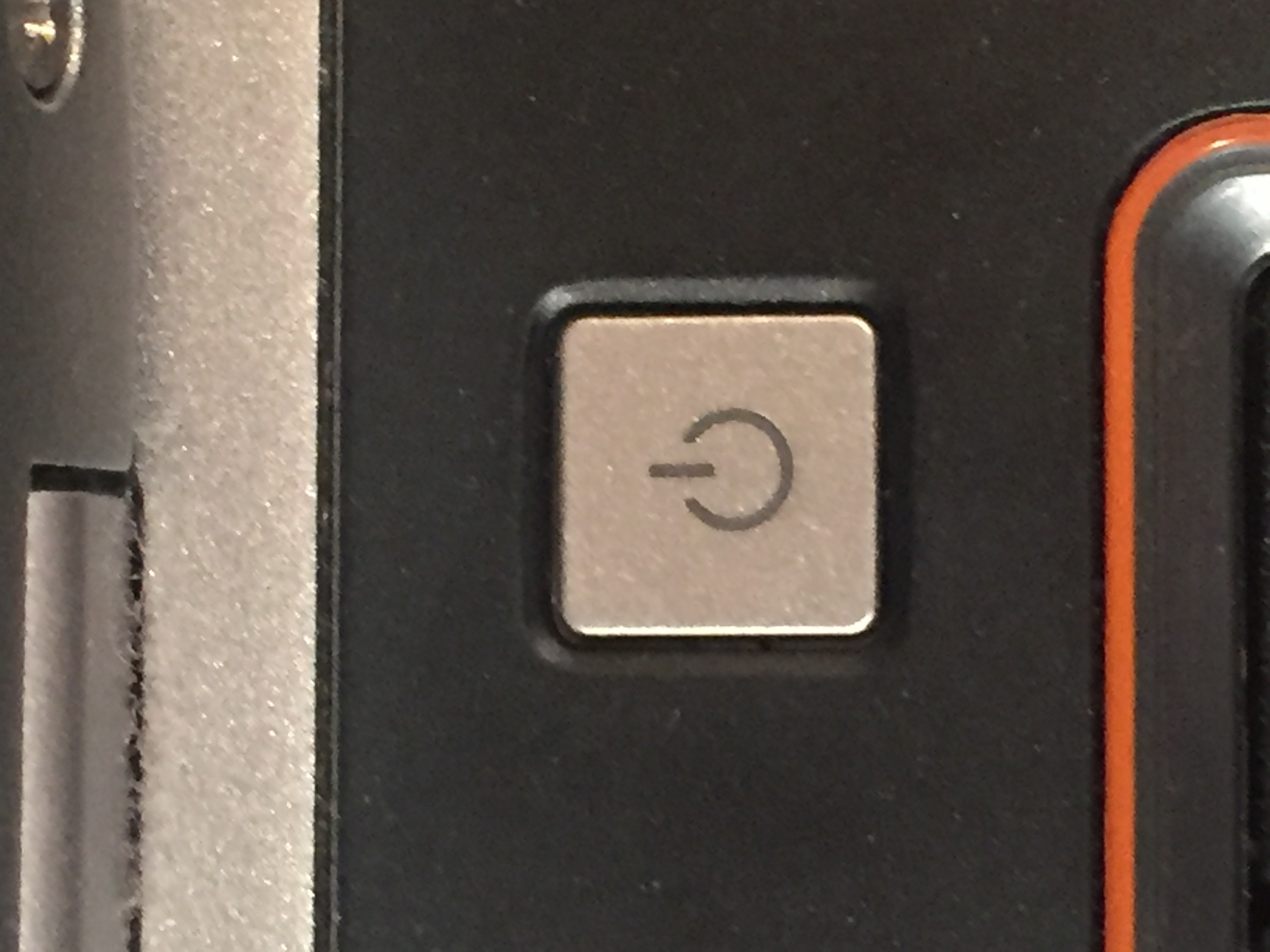
3. Press the power button several times. This will make sure that power is discharged from the system
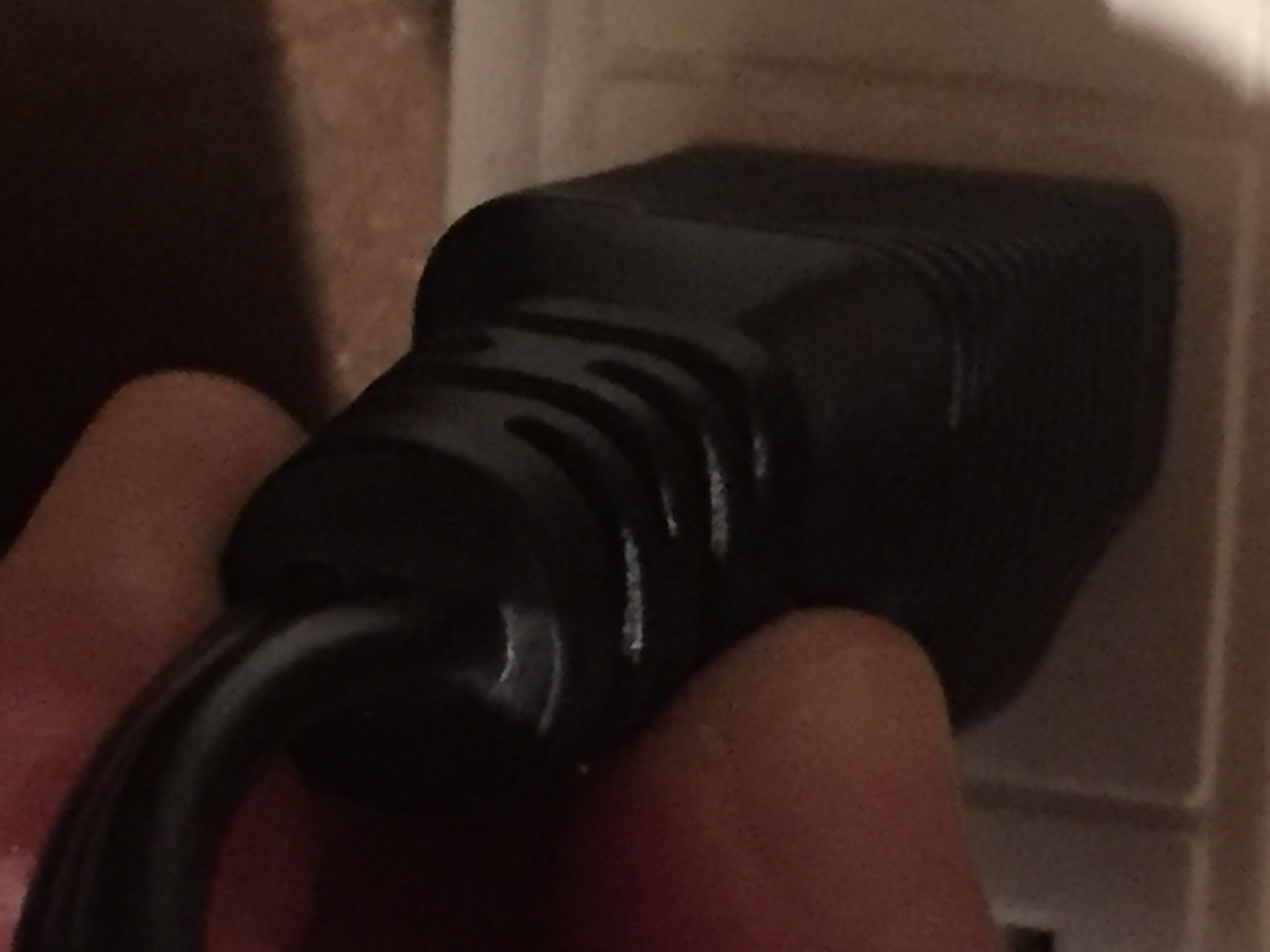
4. Plug the device back in to the outlet
5. Turn the device back on by pressing the power button
The computer should power on or the printer should spool, reset, and be ready to use.
Please try to repeat the task and see if the error appears again.