iPhone
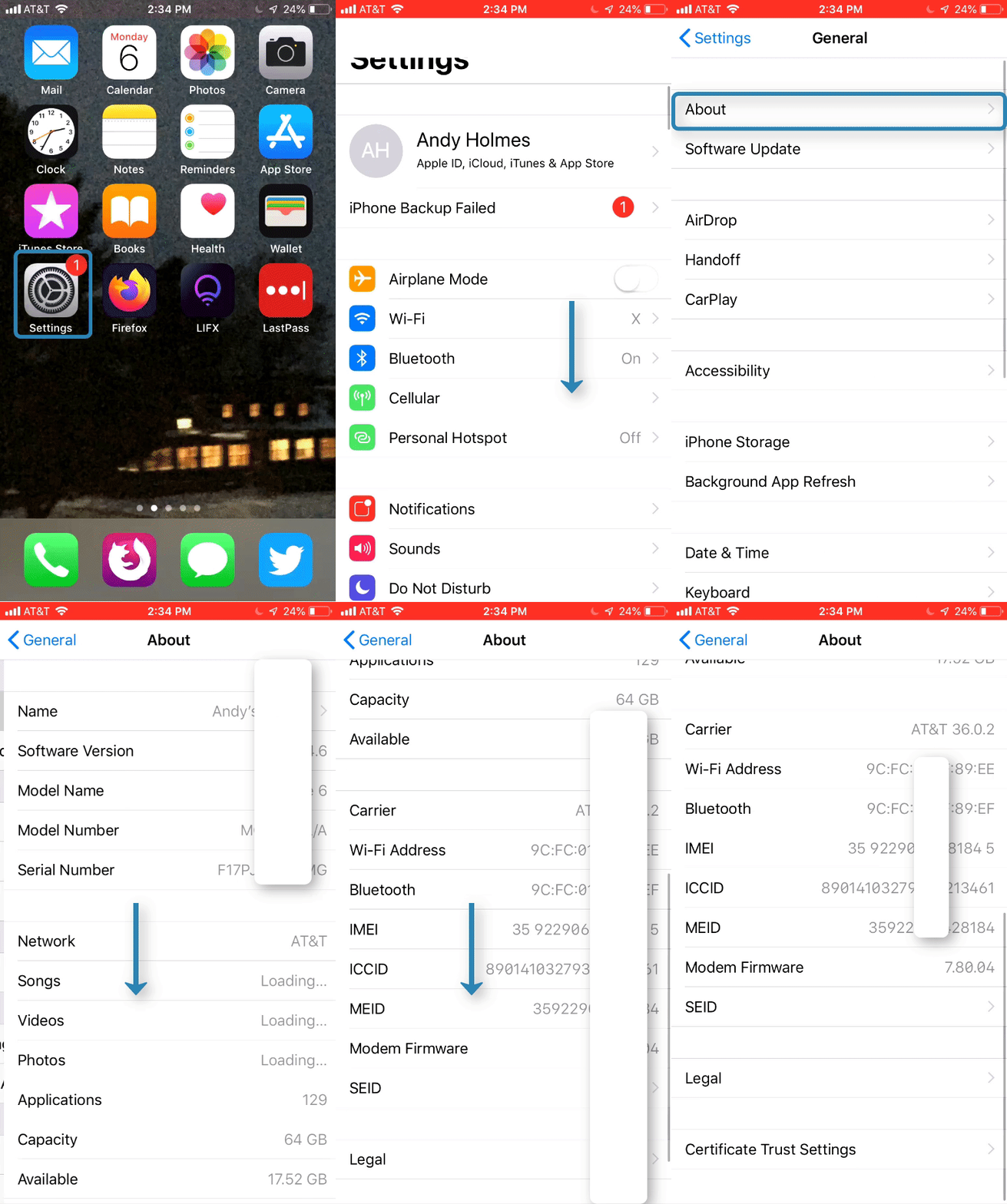
1. Open the “Settings” app

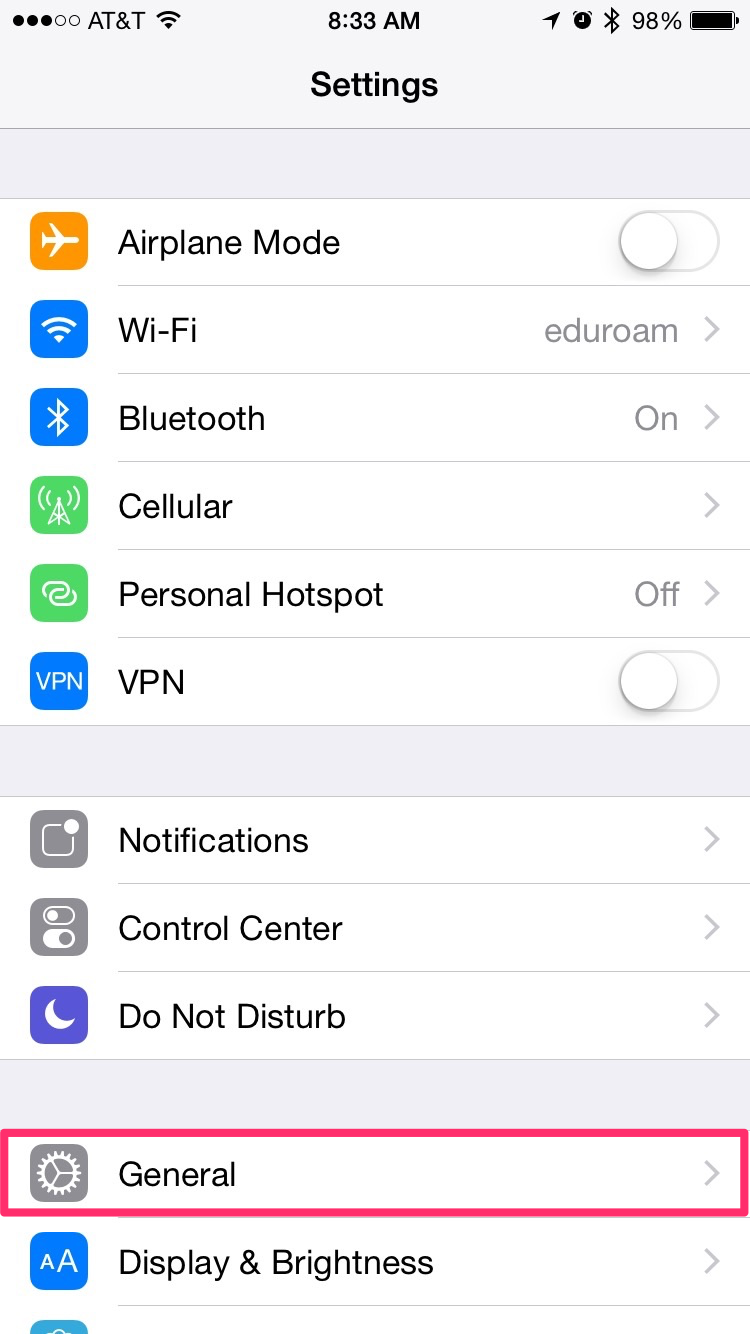
2. Scroll down and select “General”
3. Select “About”
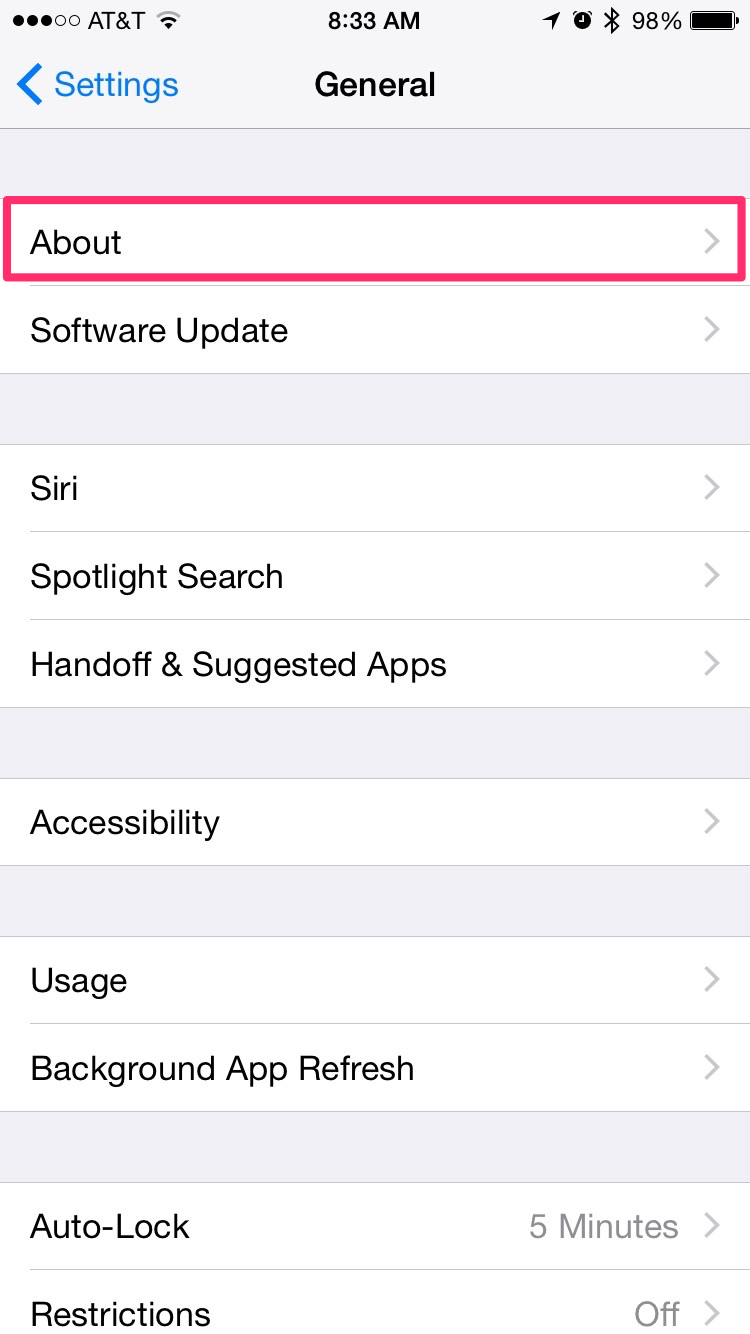
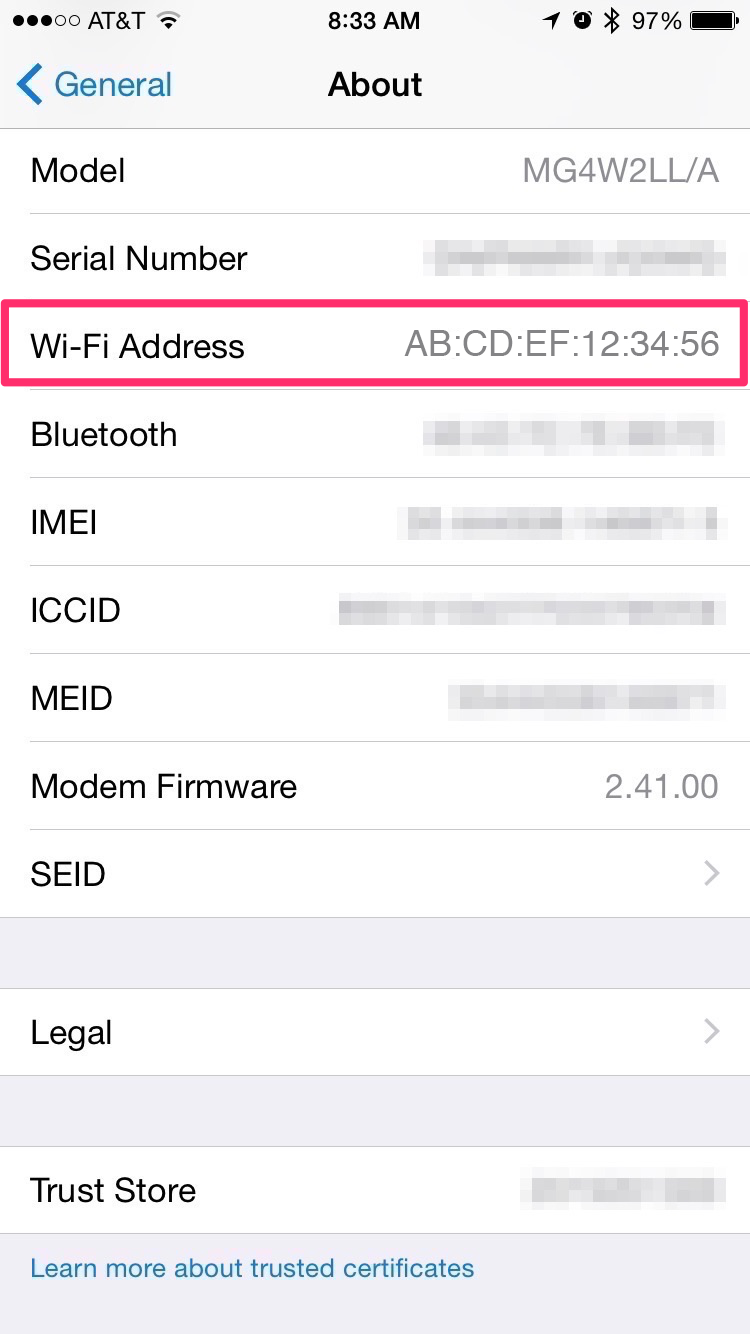
The Mac Address will be listed as “Wi-Fi Address”
Android
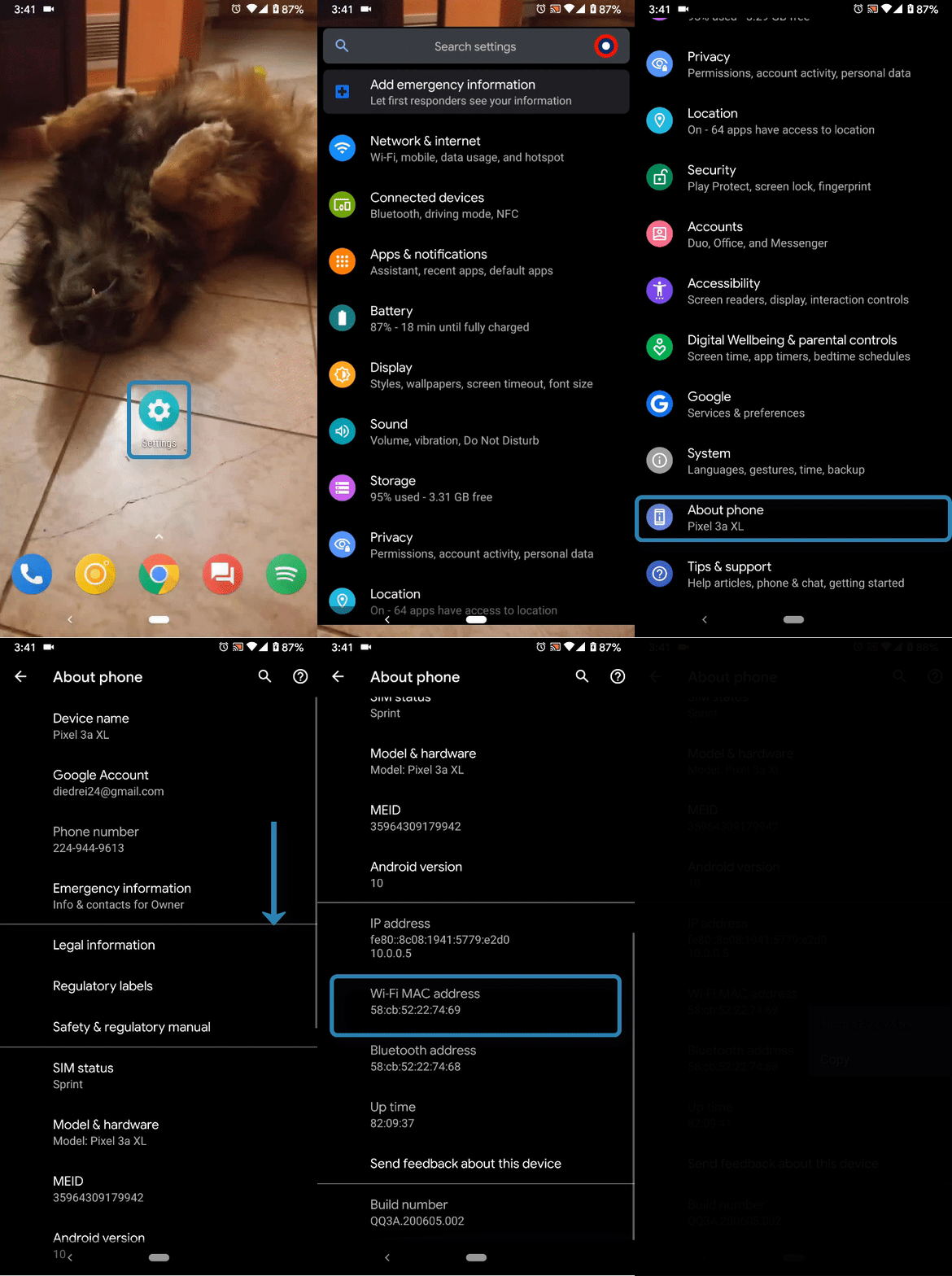
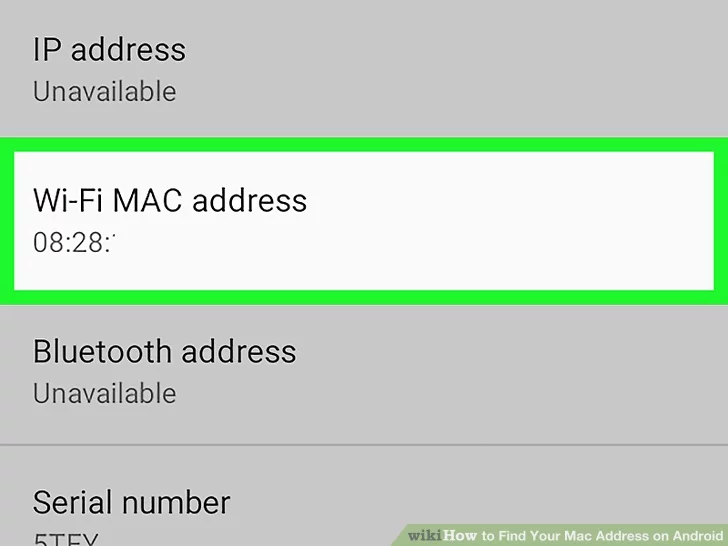
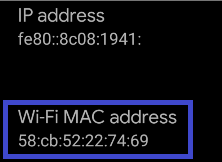
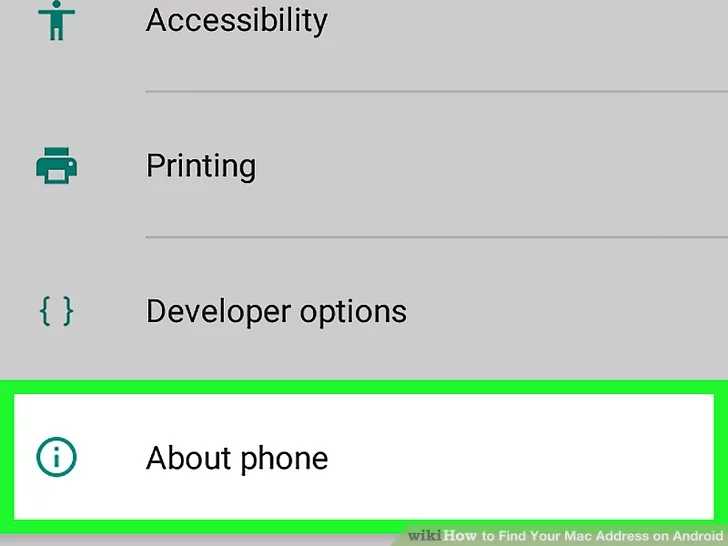
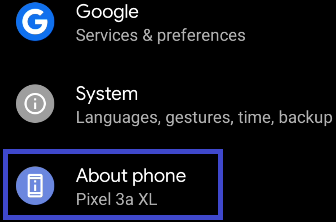
Two examples are shown in the below pictures. Experiences with other android phones may vary.
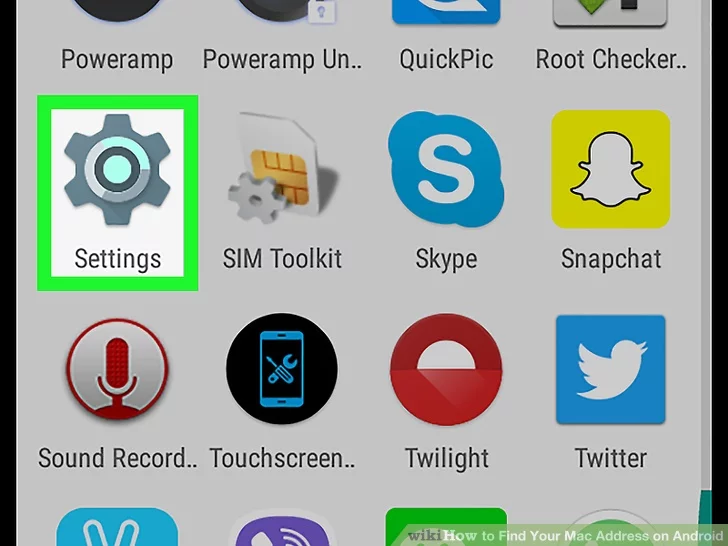
1. Open the “Settings” app

2. Scroll down and select “About phone”
3. Select “Status” - Note: Not all phones have this menu. For some you can just scroll straight down to the MAC Address, listed as "Wi-Fi MAC Address".
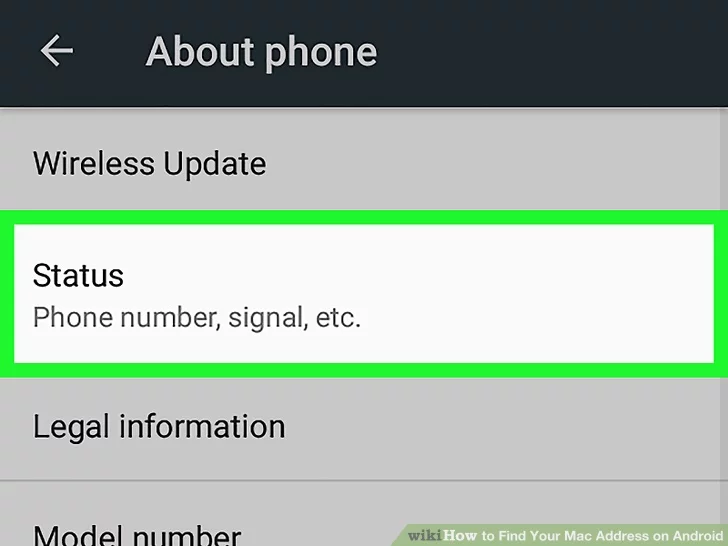
The MAC Address will be listed as “Wi-Fi MAC Address”