
I receive a lot of PDF files, but the format of the document does not allow me to select the text or to modify text in the document. How do I make the text readable, selectable, and copiable?
The feature you are looking for is called OCR or also called "Optical Character Recognition". This is built into Foxit PhantomPDF.
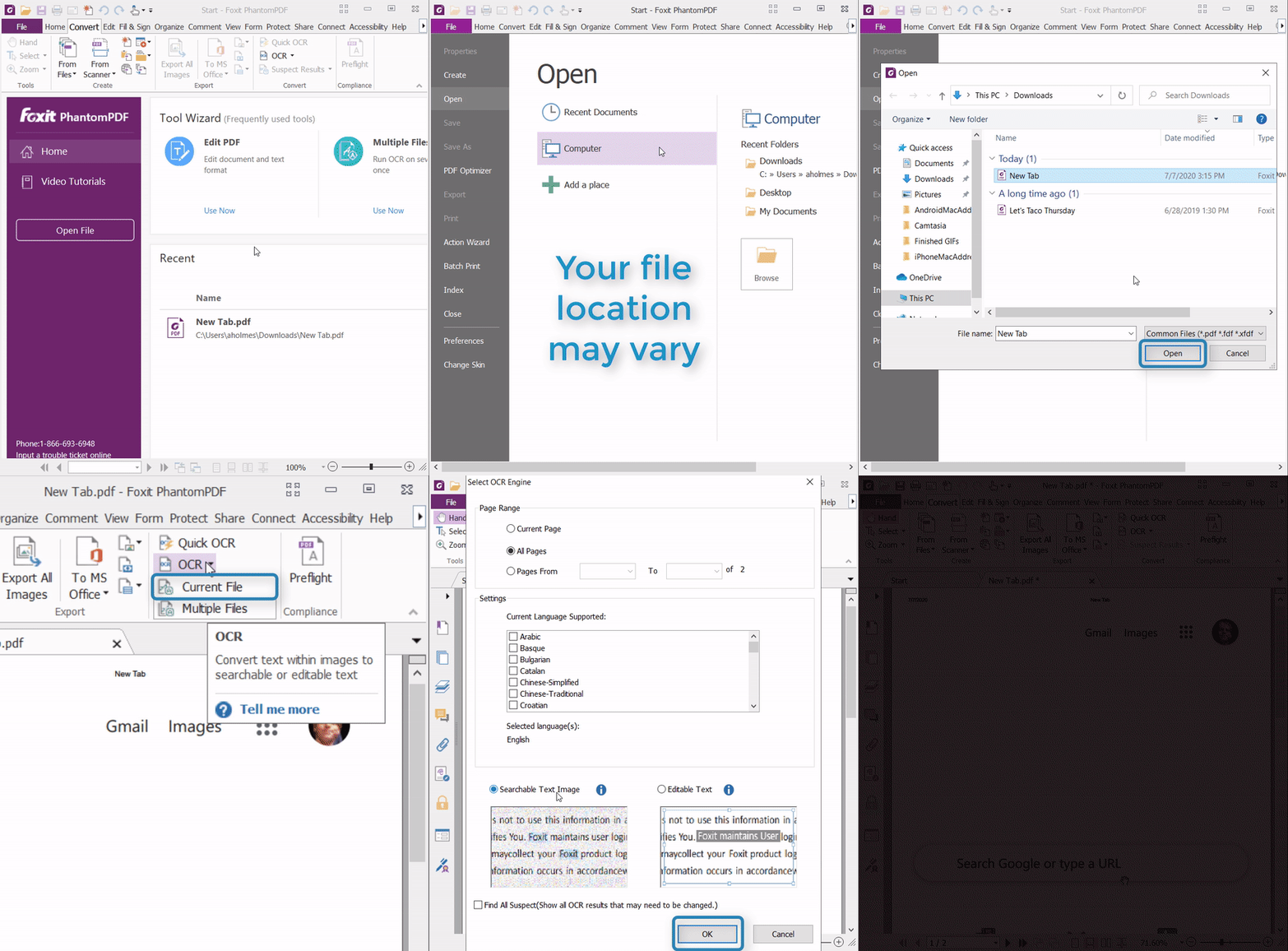
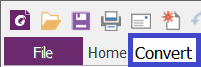
1. Select “Convert”
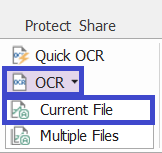
2. Select “OCR” and “Current File”
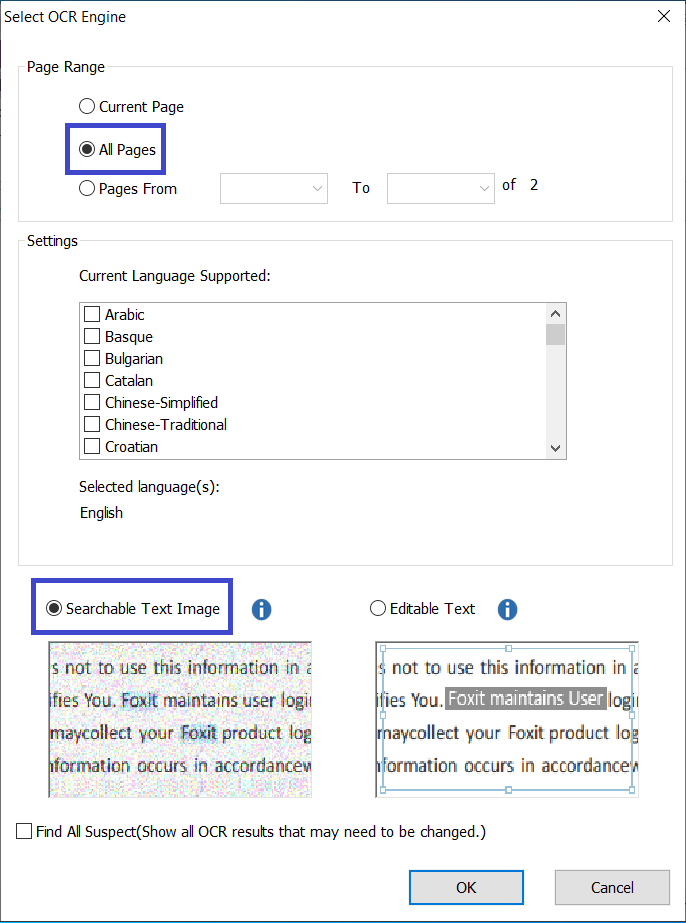
3. A pop-up window will appear. Select “All Pages” and “Searchable Text Image” then select “OK”
Note: You can also select "Editable Text" if you are planning on editing contents of the PDF
The file can now be uploaded to Google Drive/Docs, converted to Word, saved again as a readable and text selectable PDF, or be copied from using the clipboard.
There are also free services that allow you to OCR documents. Some freebies are:
- Soda PDF OCR - https://www.sodapdf.com/ocr-pdf/
- OCR.Space - https://ocr.space/
- Any many more...