
Robocalls seem to be a part of people's lives. This is an issue that has plagued many people on both private and corporate accounts. But, there are ways to help prevent some of these calls from interfering with your quality of life.
Register for the "National Do Not Call Registry"
(Video Loading)
Steps
1. Select this link
2. Select the "register" link  or "Register Your Phone"
3. Select "Register here" 
4. Enter up to three phone numbers 
5. Enter your email 
6. Enter your email again to confirm
7. Select "Submit" 
8. Select "Register" 
9. Open Gmail  and wait to receive the confirmation email
10. Open the confirmation email 
11. Select the link
Report Unwanted Calls
1. Select this link
2. Select "Report Unwanted Calls"
3. Select "Continue" 
4. Enter the phone number to receive the call 
5. Enter the time and date of receiving the call 
6. Optional: Clarify if the call was a message or robocall by selecting "Yes" or "No" 
7. Optional: Clarify if the message was a phone call or mobile text by selecting the respective points

8. Optional: Clarify the content of the call by choosing from the dropdown

9. Select "Continue"
10. Optional: Enter as much information as possible/comfortable
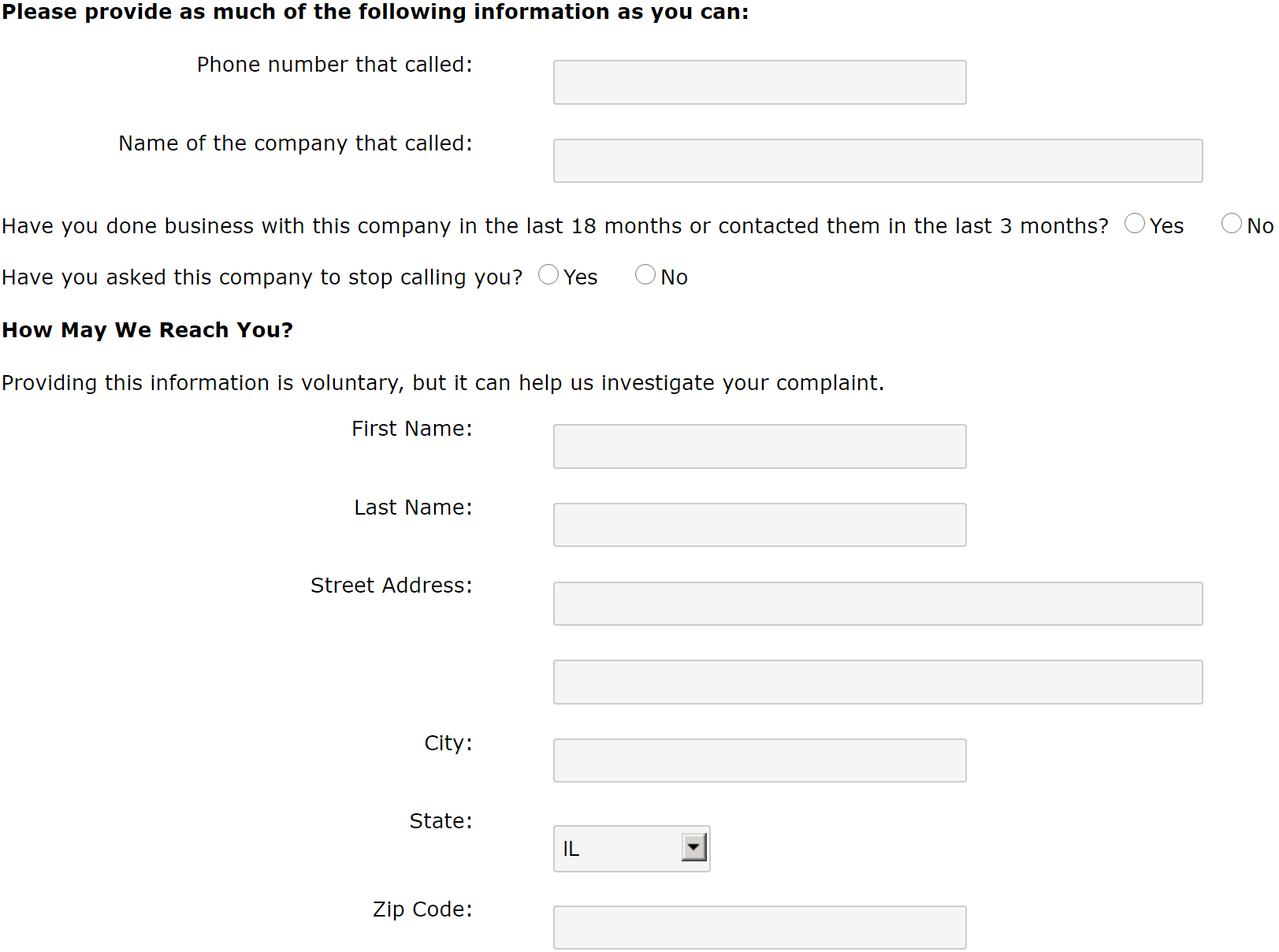
11. Optional: Enter additional comments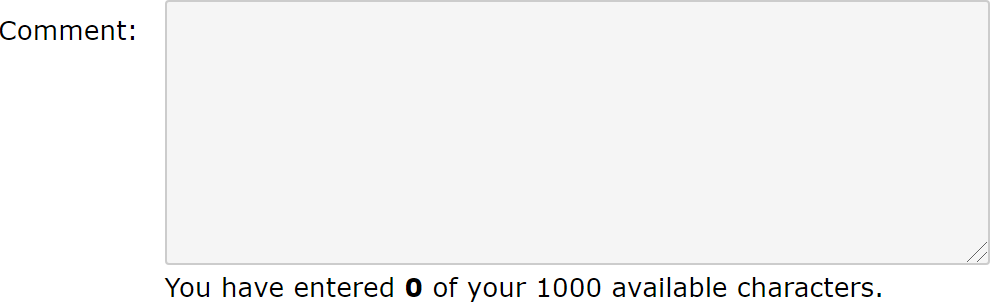
12. Select "Submit" 
Install a Call Blocking Application
Install an application on your mobile phone to block calls. Click one of the links to download the app
Hiya - Google Play Link / Apple Link
Nomorobo - Google Play Link / Apple Links
Mr. Number - Google Play Link / Apple Links
Enable Call Protection
T-Mobile offers this option. Select the link and sign up - link