You can actually change your title, department, division, building, room number, manager, office number, and mobile number yourself by going to the Password Reset Tool.
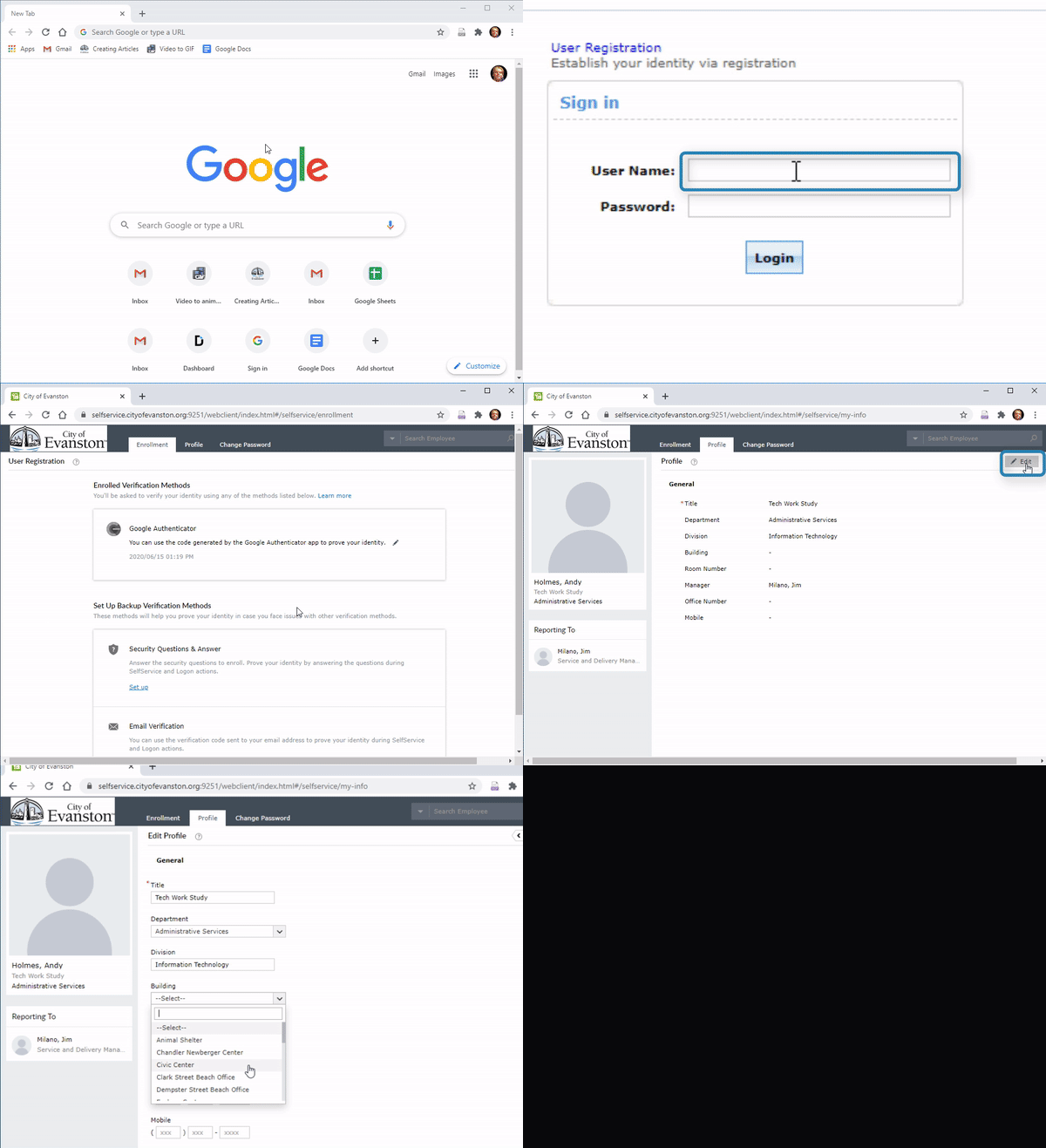
1. Go to the Password Reset Tool or enter https://selfservice.cityofevanston.org:9251/showLogin.cc in the address bar

2. Enter your username and password and select “Login”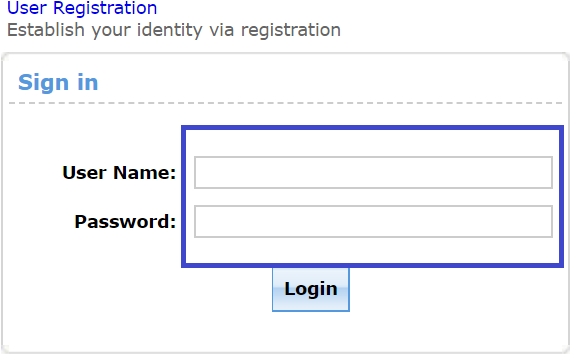
3. Select “Profile”

4. Select “Edit”

5. Enter any information you’d like to change
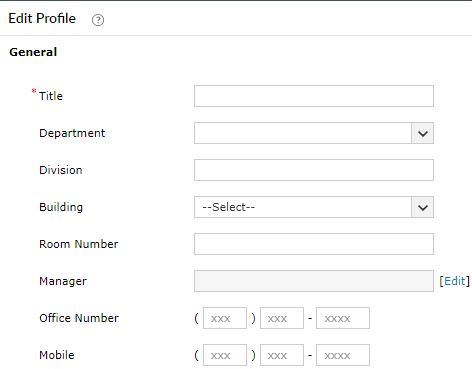
6. Select “Update”