Managers can request for new user accounts to be created for new or returning employees using the form linked below. It can take up to 2 business days to process requests.

(Video Loading)
Steps
1. Select this Link
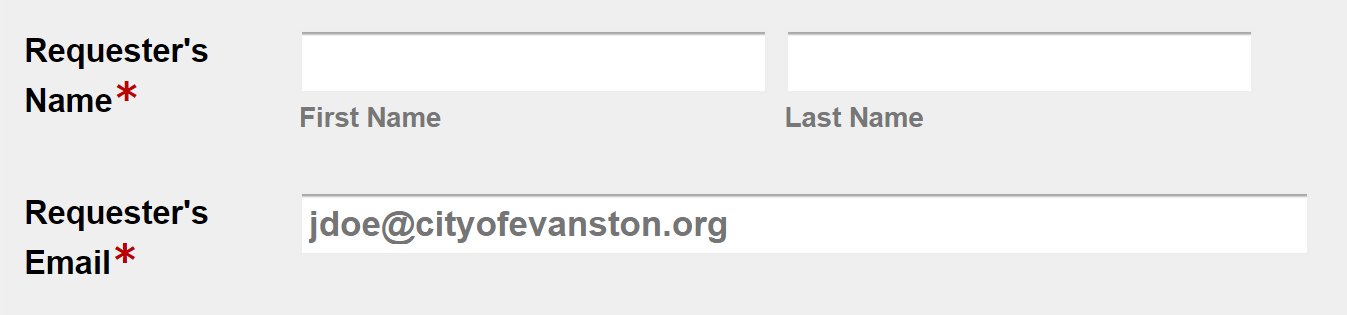
2. Enter your full name and City of Evanston email address
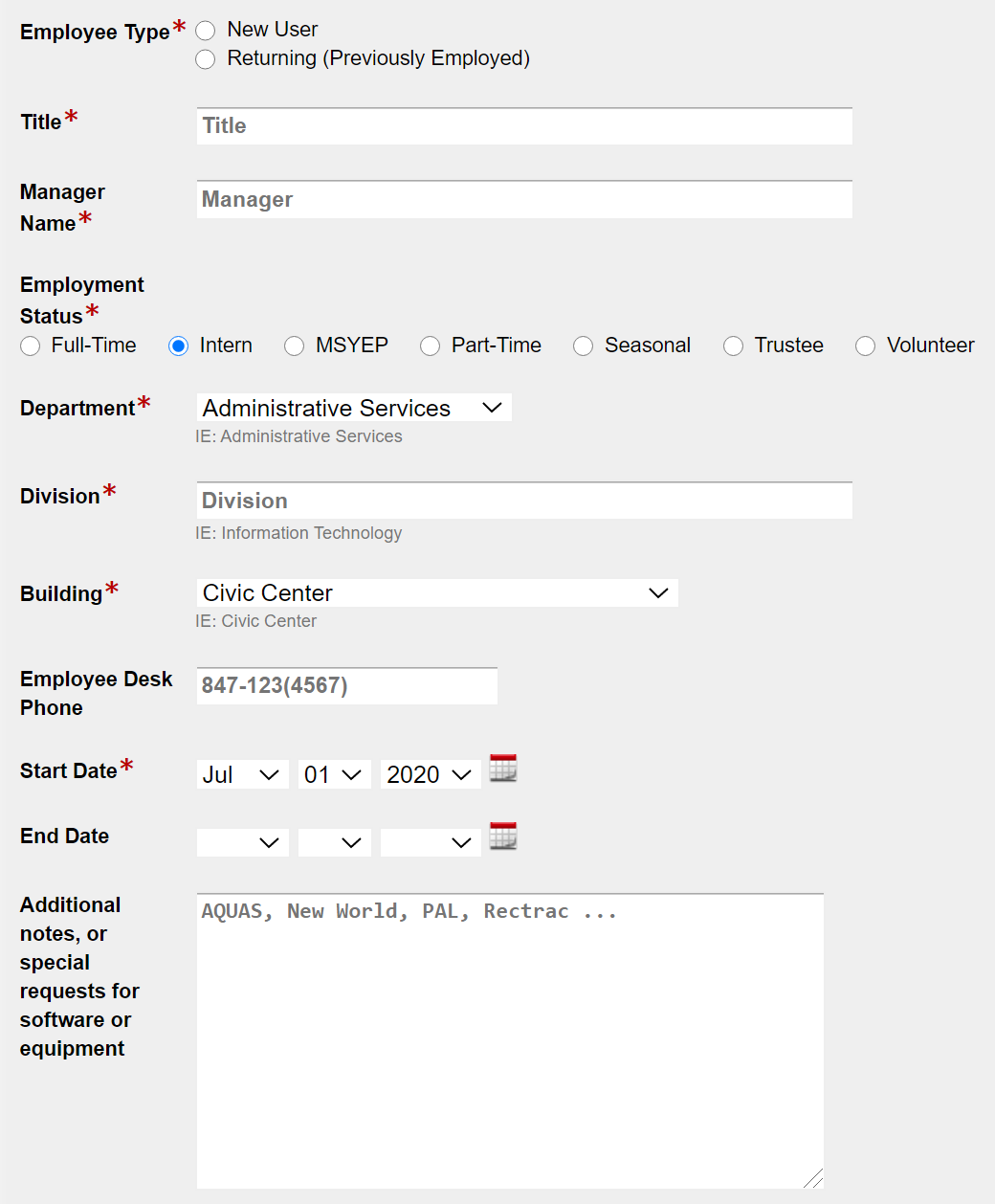
3. Enter new employee information
- Employee Type
- Similar User Account (Only for New User. Used as a reference for permissions, anything other than active or existing user account will delay creation)
- Full Name
- Title
- Manager Name
- Employment Status
- Department
- Division
- Building (If multiple, select building with most time spent in)
- Employee Desk Phone (Include desk phone of previous user. If new phone number is required, leave blank and add a note in Additional Notes)
- Start Date
- End Date (Only for Intern, Part-time or Seasonal employees)
- Additional Requests (Optional. Ask for equipment (monitor, phone) or access (New World, Rectrac) or similar here)
4. Select "Submit form"