
How To Record a Zoom Call
Steps:
1. Select the "Record" button 
2. Select the method you want to record 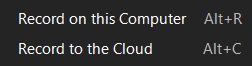
3. When you are done with recording, Select the "Stop" button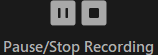
Finding Zoom Recording Location
Local Recording

Steps:
1. Select the settings button (looks like a gear): 
2. Select "Recordings" on the left side
3. Select "Open" on the top right 
4. Close out of the settings window and you will see the file with all your recordings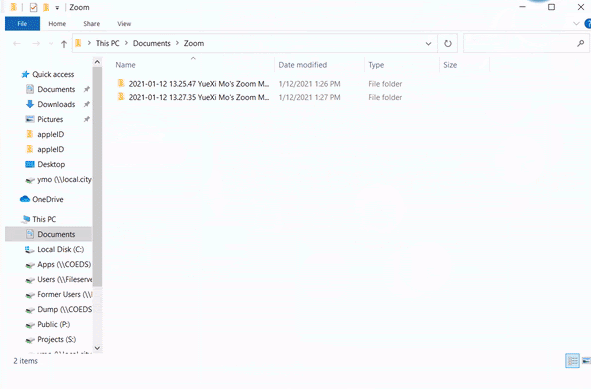
Cloud Recording

If you chose the option "Cloud Recording", you may have to contact Kimberly to get you the recording.