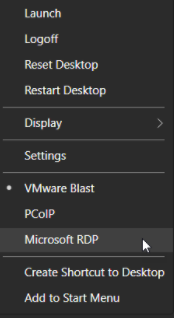
Change VMware Horizon View Desktop Protocol
Option 1:
Steps:
1. In the Horizon Client, Select the "Settings" button on the top right. 
2. Expand the "Connect Via" 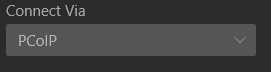 and Select the one you will like to use
Option 2:
Steps:
1. Right-Click the desktop you are using
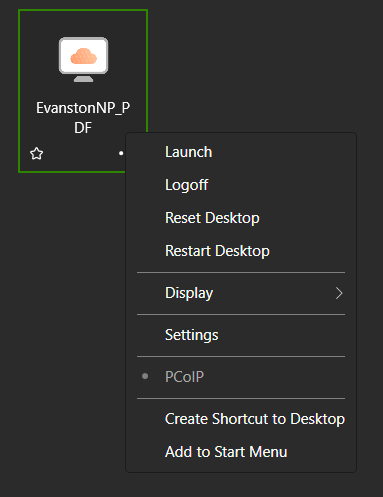
2. Select the display protocol you would like to use