
How To:
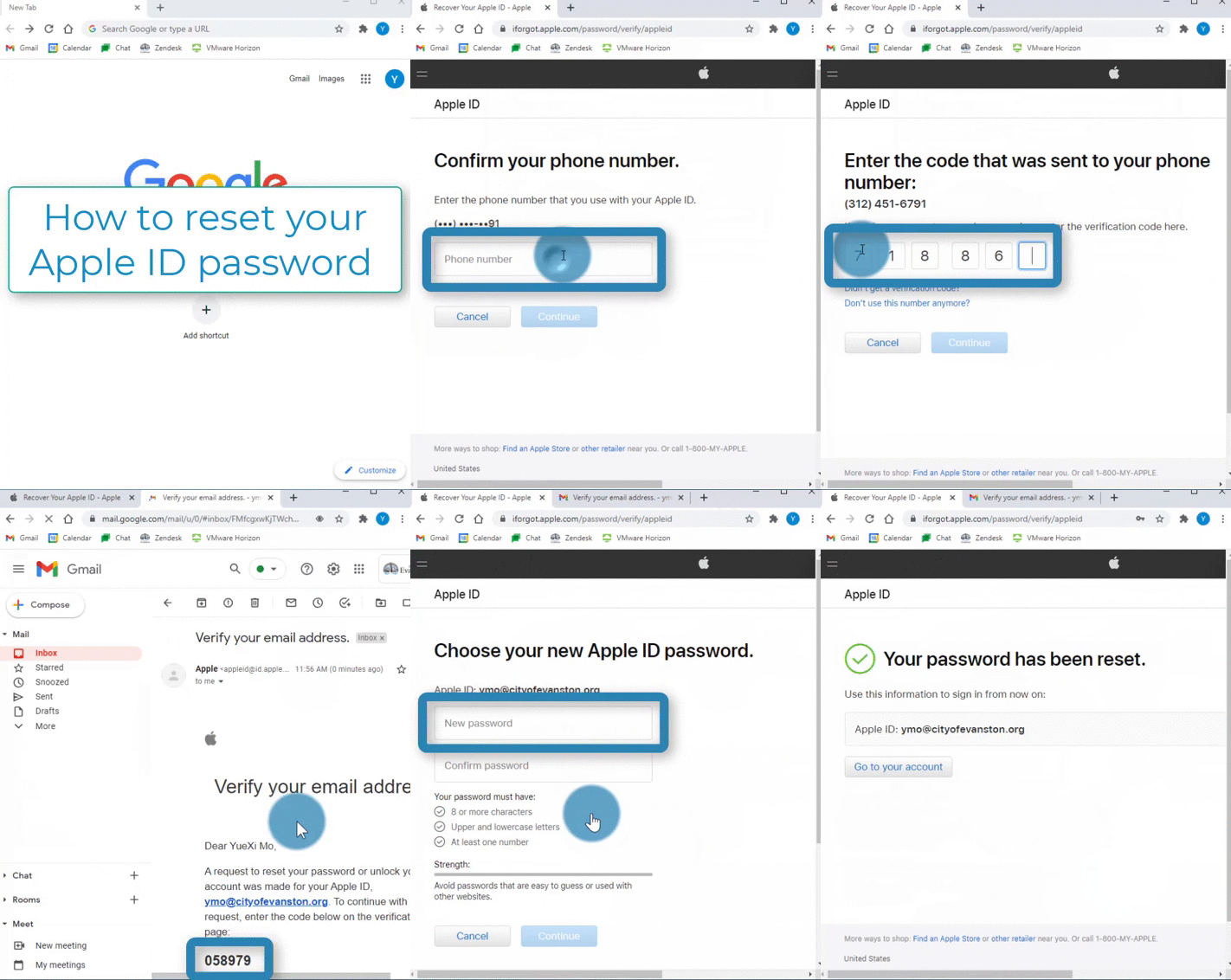
Steps:
1. Open a web browser 


2. Type in "iforgot.apple.com" into the search bar on the top and Hit "Enter" on your keyboard
3. Type in your Apple ID email (the email you used to make the account)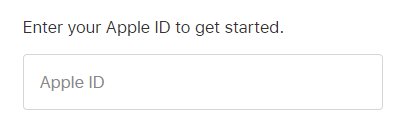
4. Select "Continue"
5. Enter the phone number associated with your Apple ID account 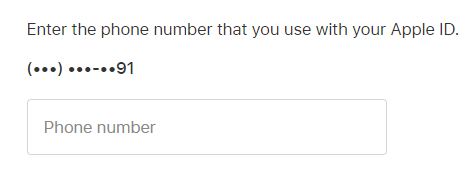
6. Select "Continue"
7. Enter the verification code that was texted to you

8. Select "Continue"
9. Enter the verification code that was emailed to you
10. Select "Continue"
11. Type in your new password

12. Retype your new password

13. Select "Continue"